|
|
|
|
|
|
| |
| |
|
|
|
|
| |
| |
|
|
In article <3c8bcda8@news.povray.org>,
Theo <Theo <the### [at] kabelfoon nl>> wrote:
> I like the first one best, a desktop for one day. After more than a day, my
> eyes will probably start to malfunction.
> It makes me think of a kind of rock call basalt (at lease in Dutch, I am
> not sure what it is in English).
It is called basalt in English as well. However, it usually takes the
form of hexagonal pillars, these are too irregular. This looks like more
of an organic phenomenon.
--
Christopher James Huff <chr### [at] maccom>
POV-Ray TAG e-mail: chr### [at] tagpovrayorg
TAG web site: http://tag.povray.org/ nl>> wrote:
> I like the first one best, a desktop for one day. After more than a day, my
> eyes will probably start to malfunction.
> It makes me think of a kind of rock call basalt (at lease in Dutch, I am
> not sure what it is in English).
It is called basalt in English as well. However, it usually takes the
form of hexagonal pillars, these are too irregular. This looks like more
of an organic phenomenon.
--
Christopher James Huff <chr### [at] maccom>
POV-Ray TAG e-mail: chr### [at] tagpovrayorg
TAG web site: http://tag.povray.org/
Post a reply to this message
|
|
| |
| |
|
|
|
|
| |
| |
|
|
Christoph Hormann schrieb in Nachricht <3C8BD3C2.7F80B4CE@gmx.de>...
>You will always have serious problems with such infinite gradient
>functions. There are no strongly visible artefacts at this scale, but in
>a more detailed view you will surely see them.
Hi Christoph,
Of course I have limited experience, but the problem seems not that big as
it first appears. There is that adaptive gradient method R. Suzuki mentioned
once (where? Don't know - had something to do with the old "eval" IIRC.) and
functions like min(min(abs(x),abs(y)),abs(z))) work quite well with there
infinite gradient and even with low max_gradient settings.
There are problems with the gradient of course and using pigments or
functions in isosurfaces will sometimes need some high max_gradient
settings. But I use them all the time and I had no problems, I could not
solve with some decent settings - even with the really 'evil' brick-pattern,
which is hard to use in isosurfaces.
Perhaps your experience is different, but IMHO pattern/pigment-functions are
very suitable esp. for isosurface beginners.
Greetings,
Marc-Hendrik
Post a reply to this message
|
|
| |
| |
|
|
|
|
| |
| |
|
|
You could use a sample of a pattern and apply it to hexagon pillars...
that would give a height for each and they would be much more like actual
basalt, if that was what you were aiming for. For the centerpoint of each
column, grab a value from one of the patterns like bumps.
Hmm, gives me an idea.
Cheers!
Chip Shults
My robotics, space and CGI web page - http://home.cfl.rr.com/aichip
Post a reply to this message
|
|
| |
| |
|
|
|
|
| |
| |
|
|
You might be able to speed things up by using a hightfield with a
pigment function. They render fairly fast.
Josh English
eng### [at] spiritonecom
http://www.spiritone.com/~english
Tek wrote:
>
> I've been messing around with the crackle pigment, and got a couple of good
> effects :)
>
> The first one's an iso surface that looks a bit like a city. It looks more
> city-like from a low camera angle, but I did this orthographic view to use a s a
> desktop backdrop :) BTW, this one took nearly 24 hours to render!! I'm gonna
> have to find a way to speed it up.
>
> The other picture's a circuit board pigment effect I dreamt up a couple of hours
> ago. Both use crackle with metric 1 to get that nice angular effect.
>
> What do you think?
>
> --
> Tek
> http://www.evilsuperbrain.com
>
> [Image]
>
> [Image]
Post a reply to this message
|
|
| |
| |
|
|
|
|
| |
| |
|
|
"Josh English" wrote:
> You might be able to speed things up by using a hightfield
> with a pigment function. They render fairly fast.
That won't work well. Completely and almost completely vertical surfaces in
height fields look horrible. And no, it won't help much using a higher
resolution for the height field.
Rune
--
3D images and anims, include files, tutorials and more:
Rune's World: http://rsj.mobilixnet.dk (updated Feb 16)
POV-Ray Users: http://rsj.mobilixnet.dk/povrayusers/
POV-Ray Webring: http://webring.povray.co.uk
Post a reply to this message
|
|
| |
| |
|
|
|
|
| |
| |
|
|
On Sun, 10 Mar 2002 19:29:40 -0000, Tek wrote:
> What do you think?
Source me:-)
--
%HAV-A-NICEDAY email mailto:ste### [at] zeroppsuklinuxnet
Steve web http://www.zeropps.uklinux.net/
or http://start.at/zero-pps
7:47pm up 4 days, 21:44, 1 user, load average: 1.19, 1.10, 1.03
Post a reply to this message
|
|
| |
| |
|
|
|
|
| |
| |
|
|
> You will always have serious problems with such infinite gradient
> functions. There are no strongly visible artefacts at this scale, but in
> a more detailed view you will surely see them.
You're right there. I started out rendering from gound level and had to play
with the max_gradient and accuracy settings to reduce the artefacts to an
acceptable level, though from those low angles things rendered a lot quicker so
I could afford some more accuracy.
> Using conventional objects instead, preferably meshes, would be much more
> efficient.
>
> See for example:
>
> http://www.interq.or.jp/blue/kawashu/include/i04.html
>
> http://news.povray.org/povray.binaries.images/12339/
Thanks! I'd had a go at doing something like that, but my results weren't any
quicker to draw than the isosurface! The only problem with this is trying to
imitate the shapes I get using a metric of 1.
--
Tek
http://www.evilsuperbrain.com
Christoph Hormann <chr### [at] gmxde> wrote in message
news:3C8BD3C2.7F80B4CE@gmx.de...
>
>
> Tek wrote:
> >
> > I've been messing around with the crackle pigment, and got a couple of good
> > effects :)
> >
> > The first one's an iso surface that looks a bit like a city. It looks more
> > city-like from a low camera angle, but I did this orthographic view to use a
s a
> > desktop backdrop :) BTW, this one took nearly 24 hours to render!! I'm gonna
> > have to find a way to speed it up.
>
> You will always have serious problems with such infinite gradient
> functions. There are no strongly visible artefacts at this scale, but in
> a more detailed view you will surely see them.
>
> Using conventional objects instead, preferably meshes, would be much more
> efficient.
>
> See for example:
>
> http://www.interq.or.jp/blue/kawashu/include/i04.html
>
> http://news.povray.org/povray.binaries.images/12339/
>
> Christoph
>
> --
> POV-Ray tutorials, IsoWood include,
> TransSkin and more: http://www.tu-bs.de/~y0013390/
> Last updated 21 Feb. 2002 _____./\/^>_*_<^\/\.______
Post a reply to this message
|
|
| |
| |
|
|
From: Tek
Subject: Re: the power of crackle - BIG circuit picture (597k)
Date: 10 Mar 2002 19:03:33
Message: <3c8bf455@news.povray.org>
|
|
|
| |
| |
|
|
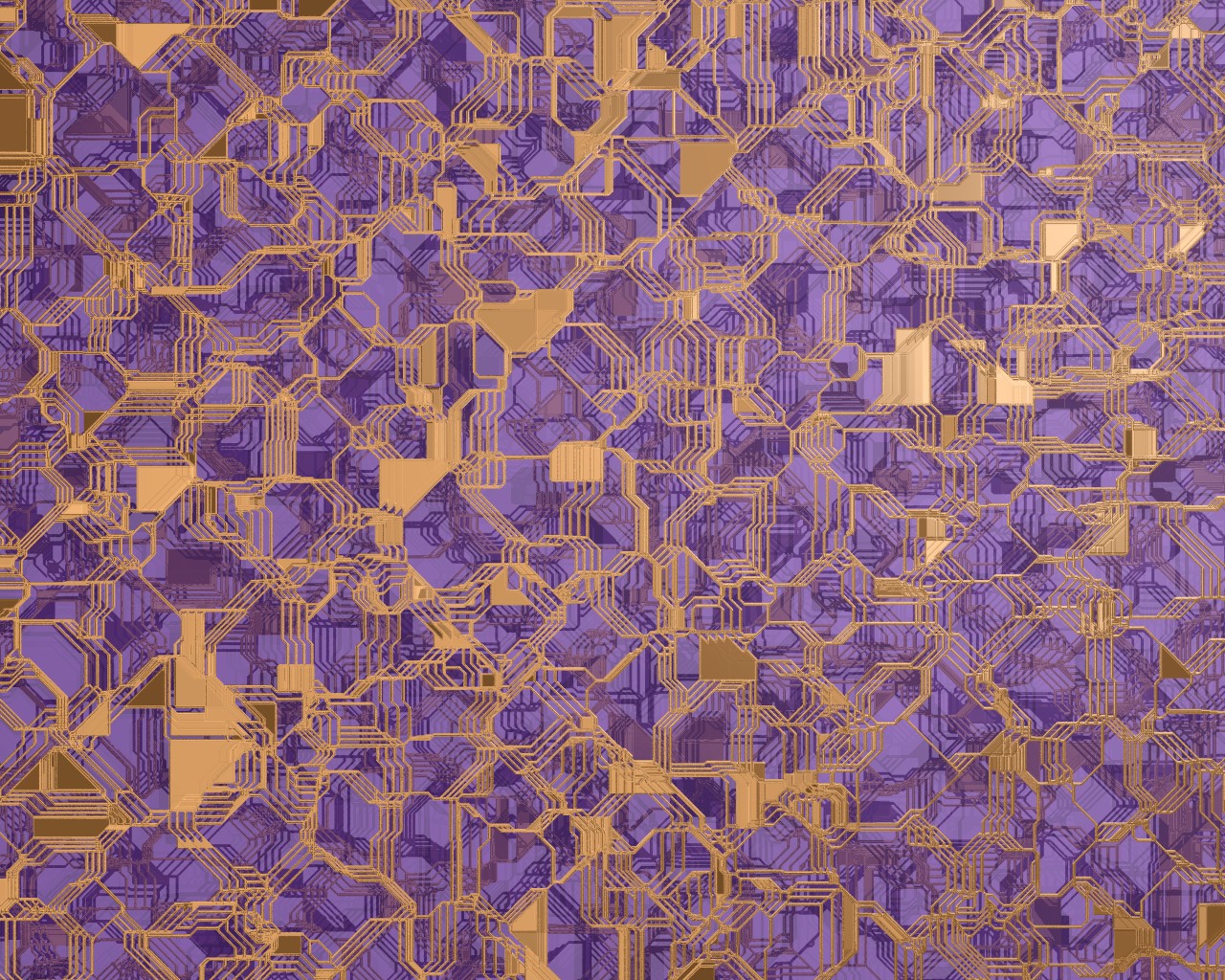
Here's a biiig backdrop render I've done. The colours are loosely based on
photos I saw once of a CPU... but who cares it looks cool :)
--
Tek
http://www.evilsuperbrain.com
Tek <tek### [at] evilsuperbraincom> wrote in message news:3c8bb4ff@news.povray.org...
> I've been messing around with the crackle pigment, and got a couple of good
> effects :)
>
> The first one's an iso surface that looks a bit like a city. It looks more
> city-like from a low camera angle, but I did this orthographic view to use a s
a
> desktop backdrop :) BTW, this one took nearly 24 hours to render!! I'm gonna
> have to find a way to speed it up.
>
> The other picture's a circuit board pigment effect I dreamt up a couple of
hours
> ago. Both use crackle with metric 1 to get that nice angular effect.
>
> What do you think?
>
> --
> Tek
> http://www.evilsuperbrain.com
>
>
>
>
Post a reply to this message
Attachments:
Download 'crackcircuit2.jpg' (597 KB)
Preview of image 'crackcircuit2.jpg'
|
|
| |
| |
|
|
|
|
| |
| |
|
|
By popular demand, source is now in p.b.s-f :)
--
Tek
http://www.evilsuperbrain.com
Tek <tek### [at] evilsuperbraincom> wrote in message news:3c8bb4ff@news.povray.org...
> I've been messing around with the crackle pigment, and got a couple of good
> effects :)
>
> The first one's an iso surface that looks a bit like a city. It looks more
> city-like from a low camera angle, but I did this orthographic view to use a s
a
> desktop backdrop :) BTW, this one took nearly 24 hours to render!! I'm gonna
> have to find a way to speed it up.
>
> The other picture's a circuit board pigment effect I dreamt up a couple of
hours
> ago. Both use crackle with metric 1 to get that nice angular effect.
>
> What do you think?
>
> --
> Tek
> http://www.evilsuperbrain.com
>
>
>
>
Post a reply to this message
|
|
| |
| |
|
|
|
|
| |
| |
|
|
Marc-Hendrik Bremer wrote:
>
> [...]
>
> Of course I have limited experience, but the problem seems not that big as
> it first appears. There is that adaptive gradient method R. Suzuki mentioned
> once (where? Don't know - had something to do with the old "eval" IIRC.) and
> functions like min(min(abs(x),abs(y)),abs(z))) work quite well with there
> infinite gradient and even with low max_gradient settings.
This function does not have an infinite gradient, it should render
perfectly with max_gradient 2. However it does have non-continuous
derivatives, but this is no problem for isosurfaces.
> There are problems with the gradient of course and using pigments or
> functions in isosurfaces will sometimes need some high max_gradient
> settings. But I use them all the time and I had no problems, I could not
> solve with some decent settings - even with the really 'evil' brick-pattern,
> which is hard to use in isosurfaces.
>
> Perhaps your experience is different, but IMHO pattern/pigment-functions are
> very suitable esp. for isosurface beginners.
Pigment and pattern functions are generally suited for isosurfaces as long
as they are continuous. brick, checker, cells, etc. are not. You may
have successfully used them, but every time you change the geometry or
the viewpoint there can be artefacts occuring and it will be unnecessarily
slow so i can only advise against it.
Christoph
--
POV-Ray tutorials, IsoWood include,
TransSkin and more: http://www.tu-bs.de/~y0013390/
Last updated 21 Feb. 2002 _____./\/^>_*_<^\/\.______
Post a reply to this message
|
|
| |
| |
|
|
|
|
| |