|
|
|
|
|
|
| |
| |
|
|
|
|
| |
| |
|
|
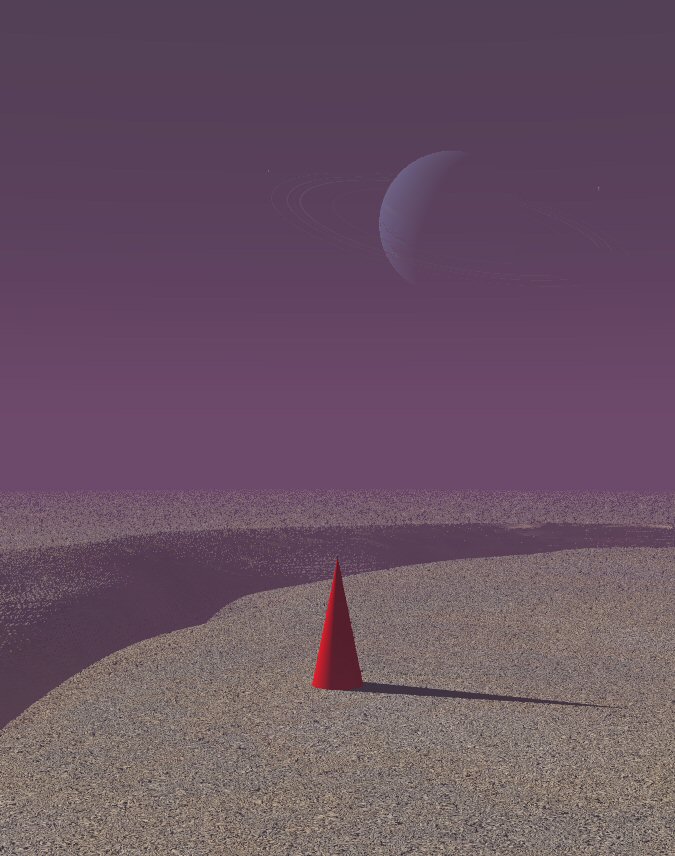
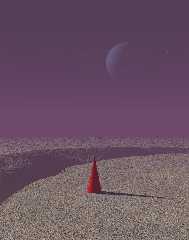
...and a quicky with the state of the art of Triton. Showing the Hell<exp>3
crack (without fire at the bottom). I still have to work on the scale and
proportions of things concerning Triton. Neptune is finished for the time
being.

Thomas
Post a reply to this message
Attachments:
Download 'Triton.jpg' (96 KB)
Preview of image 'Triton.jpg'
|
|
| |
| |
|
|
|
|
| |
| |
|
|
...is that a Commodore 64 with matching 5.2" disk drive??
Post a reply to this message
|
|
| |
| |
|
|
|
|
| |
| |
|
|
Orchid XP v3 wrote:
> ...is that a Commodore 64 with matching 5.2" disk drive??
Yes. My C128 is resting, it's 64's turn now :).
--
Eero "Aero" Ahonen
http://www.zbxt.net
aer### [at] removethis zbxtnetinvalid zbxtnetinvalid
Post a reply to this message
|
|
| |
| |
|
|
|
|
| |
| |
|
|
"scott" <ask### [at] mecom> wrote:
> Over in off-topic, Mike was complaining of a lull in the community here, so
> Ross suggested posting whatever you are doing now, whatever the state of it
> is.

When I've found the time for POVing recently, it's usually had something
to with Christoph's POVAny-scripts (swell), however, I'm working on some
scenes/textures/techniques, like usually ... lessee if I manage to attach
several files.  First one is very basic ray tracing :)
Post a reply to this message
Attachments:
Download 'w5.png' (372 KB)
Preview of image 'w5.png'
|
|
| |
| |
|
|
|
|
| |
| |
|
|
The land, the water and clouds too (i think) are actually
modified Tek's waves ... ;)
Post a reply to this message
Attachments:
Download 'newls3c.png' (611 KB)
Preview of image 'newls3c.png'
|
|
| |
| |
|
|
|
|
| |
| |
|
|
"scott" <ask### [at] mecom> wrote:
> Over in off-topic, Mike was complaining of a lull in the community here, so
> Ross suggested posting whatever you are doing now, whatever the state of it
> is.
>
> So, here are the two things I've been working on recently.  First is a basic
> attempt to model my office, second is an attempt to model a bike wheel.

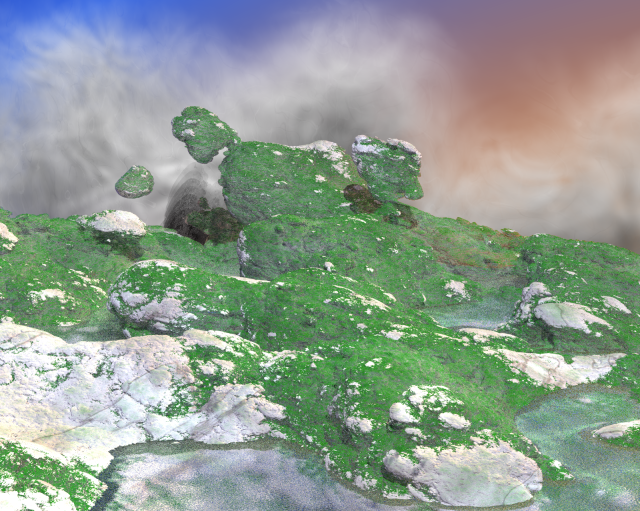
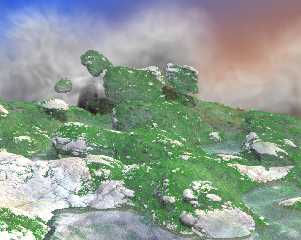
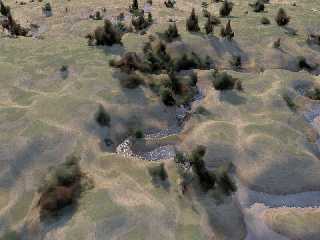
I have been trying my hand at some landscape generation.

Here I have also been playing around with the media trees from Gilles'
makecloud demo scenes. The trees are not my work!
-smws
Post a reply to this message
Attachments:
Download 'mediatree001.jpg' (91 KB)
Preview of image 'mediatree001.jpg'
|
|
| |
| |
|
|
|
|
| |
| |
|
|
St. wrote:
  >  My soundbite for the image would be: "Slippery Slimy Slugs Slithering
> Slightly/or/Slowly _ _ _ _ _ _"
>
>   I'm lost for the last word or words - any idea's?
>
>   ~Steve~

Slickly?

      -=- Larry -=-
Post a reply to this message
|
|
| |
| |
|
|
|
|
| |
| |
|
|
"Smws" <smw### [at] poboxcom> wrote in message
news:web.4585bf6b8f139dc5176479670@news.povray.org...
> "scott" <ask### [at] mecom> wrote:
> > Over in off-topic, Mike was complaining of a lull in the community here,
so
> > Ross suggested posting whatever you are doing now, whatever the state of
it
> > is.
> >
> > So, here are the two things I've been working on recently.  First is a
basic
> > attempt to model my office, second is an attempt to model a bike wheel.
>
> I have been trying my hand at some landscape generation.
>
> Here I have also been playing around with the media trees from Gilles'
> makecloud demo scenes. The trees are not my work!
> -smws
>

that's quite interesting looking.
Post a reply to this message
|
|
| |
| |
|
|
|
|
| |
| |
|
|
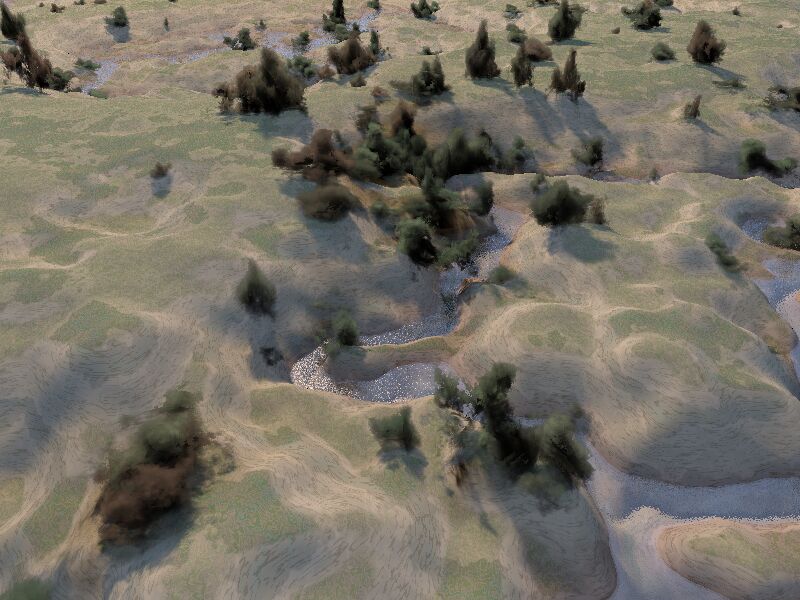
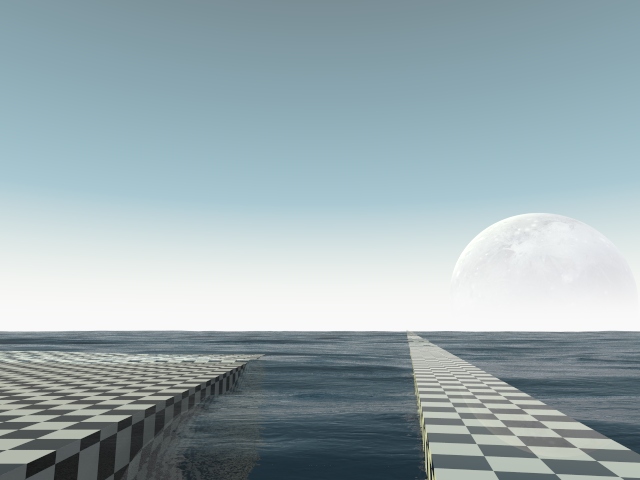
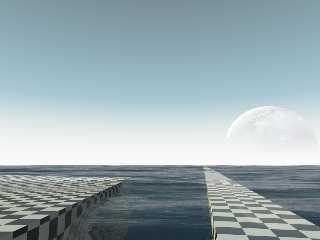
For the water, I decided to use the normal as a function for a height_field.
I'm pretty happy with it.

#declare w1 =
texture {
 //pigment {rgb <1, 1, 1> transmit 1}
 pigment {color rgbt <1, 1, 1, 1>}
 normal {
  average
  normal_map {
   [1.0 agate 0.25 scale <0.5, 0.1, 0.2>]
   [1.0 granite 0.25 scale <0.5, 0.1, 0.2>]
  }
 }
 finish {
  specular 1
  roughness 0.003
  diffuse 0.3
  reflection {
   0, 0.5
   fresnel on
  }
 }
}

#local wp1 =
pigment {
 average
 pigment_map {
  [1.0 agate scale <0.5, 0.1, 0.2>]
  [1.0 granite scale <0.5, 0.1, 0.2>]
 }
}

#declare fnWater = function {pigment {wp1}}

height_field {
  function 2000, 2000 { fnWater(x, y, z).grey * 0.85 }
  smooth
  translate <-0.5, -0.5, -0.5>
  scale <200, 1, 200>
  texture {w1}
  interior {
  ior 1.3
  media {
   absorption <0.25, 0.1, 5.0, 0.5>*1
   scattering { 2 <0.2, 0.6, 0.4> }
  }

  fade_distance 2
  fade_power 1001
 }
}
Post a reply to this message
Attachments:
Download 'lull.jpg' (77 KB)
Preview of image 'lull.jpg'
|
|
| |
| |
|
|
|
|
| |
| |
|
|
scott wrote:
> Over in off-topic, Mike was complaining of a lull in the community here,
> so Ross suggested posting whatever you are doing now, whatever the state
> of it is.

Excellent :) reminds me of old times...

Now I need to get inspired and create something. I'm thinking about
dusting off wings and trying a few things, now. Or, maybe I'll get back
to my fake house project. I've been meaning to work on that one.

Anyway, I enjoyed everyone's images very much. Thanks again!

--
~Mike

Things! Billions of them!
Post a reply to this message
|
|
| |
| |
|
|
|
|
| |
| |
|
|
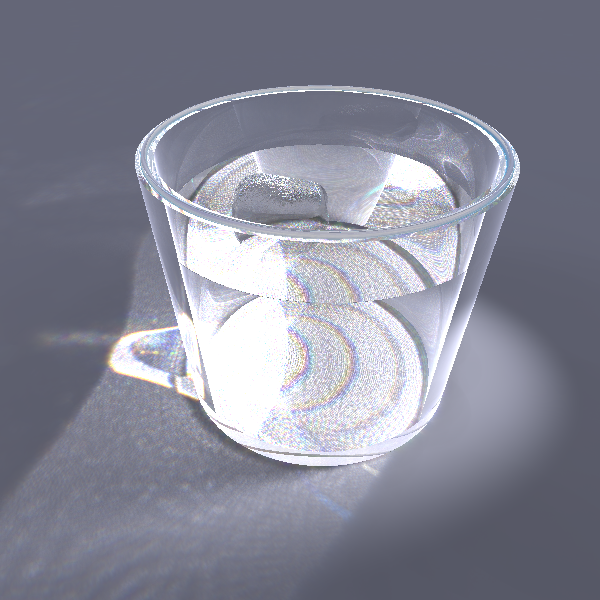
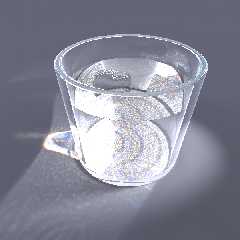
Vincent Le Chevalier <gal### [at] libertyALLsurfSPAMfr> wrote:
> A try for a glass material I was working on lately. Still needs some
> tweaking as it takes a long long time to render (not to mention that the
> shapes are not realistic either)...

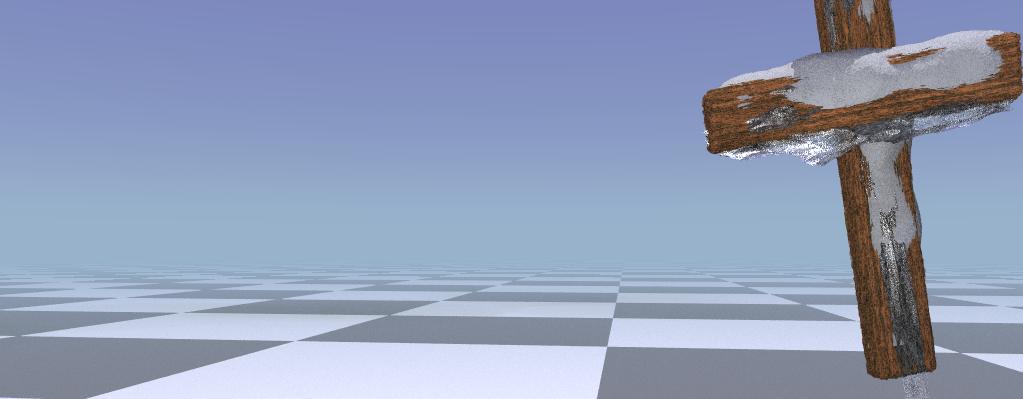
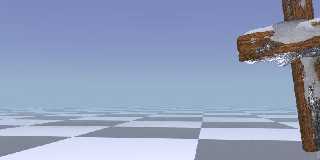
How about this ice. I work over it (and snow too) for 5 days :).
It's a part of my "complexity" entry.

But without blue sky and radiosity snow looks ugly.
Post a reply to this message
Attachments:
Download 'cross.jpg' (32 KB)
Preview of image 'cross.jpg'
|
|
| |
| |
|
|
|
|
| |
| |
|
|
"Ross" <rli### [at] speakeasynet> wrote:
> I like the concept, better than most at the CGSphere's site that I saw. I
> think something like a metal ring around the face of the clock, sort of
> plating the orange, would look nice.
>
> pretty good orange texture too.

Thanks.  It seems the voters don't seem to think so though.  All 3 of mine
are currently around 5.5/10.  Not that I think mine are fabulous, but I
think they are better than that, especially looking at a lot of the higher
ranked ones. Either a lot of voting down or maybe just really critical
voters.  Oh well, as long as I've enjoyed making them.

I may try out how your suggestion looks as well.

-tgq
Post a reply to this message
|
|
| |
| |
|
|
|
|
| |
| |
|
|
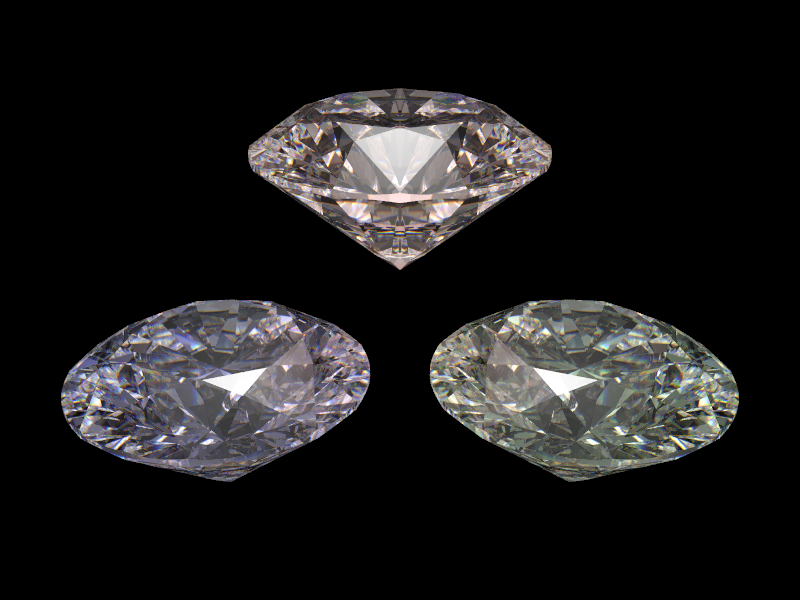
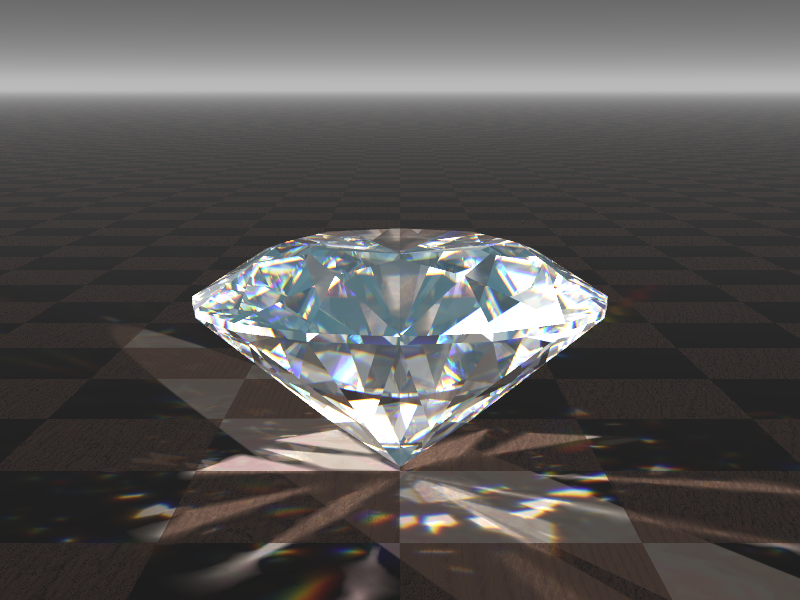
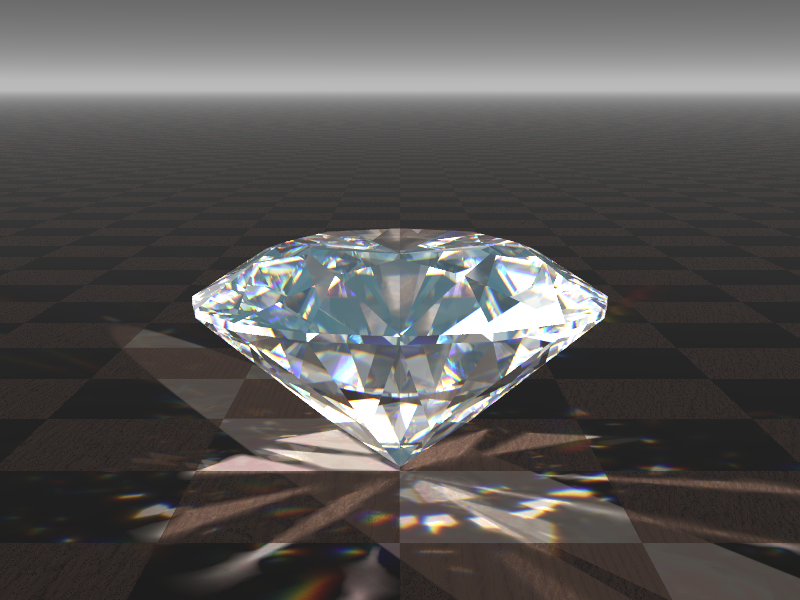
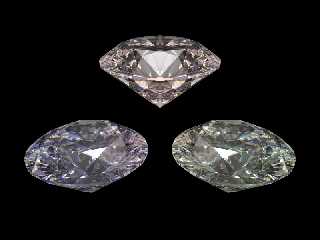
Here is an attempt to diamonds (and a humble contribution to the 'rendrering
lull' topic). After a quick look to gemologists sites for the cut angles.

Regards
Post a reply to this message
Attachments:
Download 'diamond4.png' (264 KB)
Preview of image 'diamond4.png'
|
|
| |
| |
|
|
|
|
| |
| |
|
|
"Bruno Cabasson" <bru### [at] alcatelaleniaspacefr> wrote:
> Here is an attempt to diamonds (and a humble contribution to the 'rendrering
> lull' topic). After a quick look to gemologists sites for the cut angles.
>
> Regards

Looks pretty good to me.  What kind of ior are you using?  Trace level?

-tgq
Post a reply to this message
|
|
| |
| |
|
|
|
|
| |
| |
|
|
>> Obviously, I am nowhere near 1337 enough to make this up all by myself.
>> It's actually done with POV-Tree and Tom Tree. It *still* doesn't look
>> right. (A damn site better than my own algorithm, but it still looks
>> wrong. In particular, the needles differ vastly in size.)
>
> The tree looks good, especially the bark texture.  Some colored
> reflective spheres on the tree wouldn't go amiss :-)

Reflective spheres, superellipsoids, torii, blobs, and *lots* of fairy
lights still to come... :-D
Post a reply to this message
|
|
| |
| |
|
|
|
|
| |
| |
|
|
Ross wrote:
> that's quite interesting looking.

I agree...
Post a reply to this message
|
|
| |
| |
|
|
|
|
| |
| |
|
|
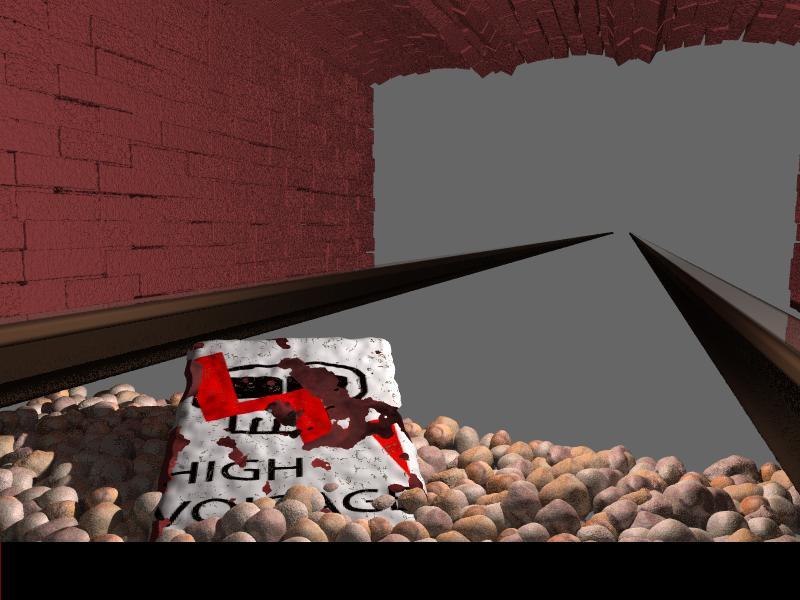
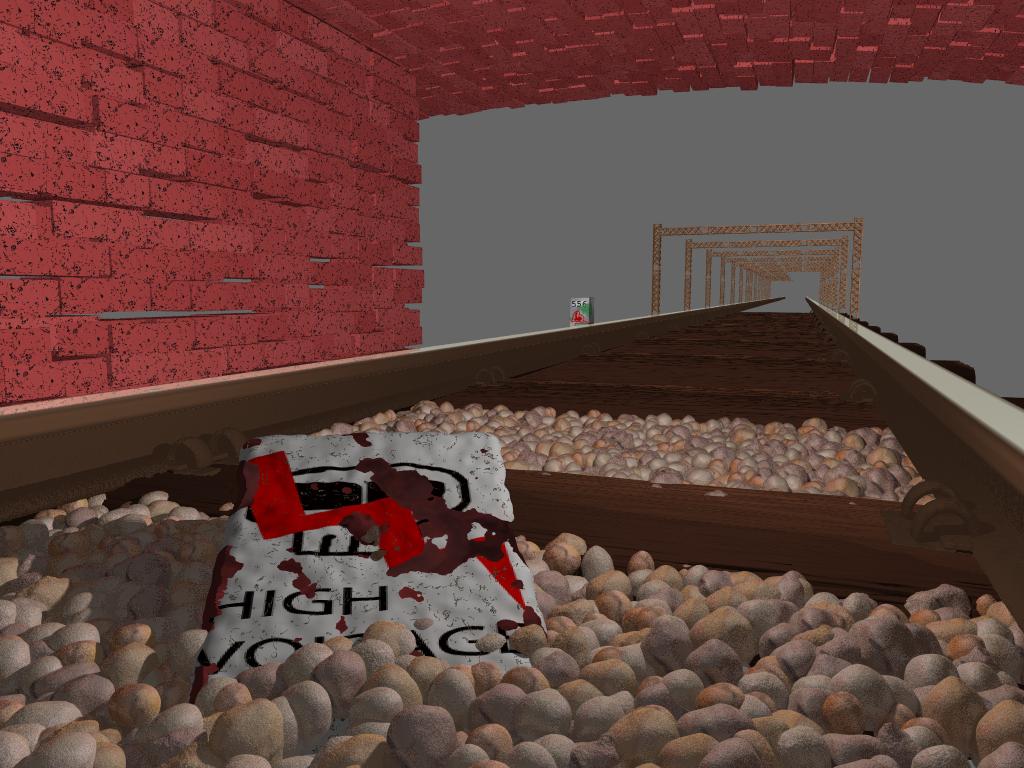
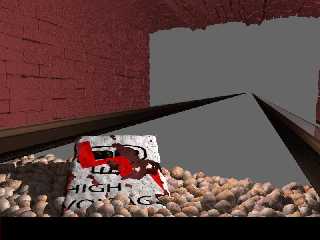
Already I'm making a railway with the train and bridge. Camera is located
under the train a little from back. There is also an old destroyed "High
Voltage" sign laying on the rails. there are first renders. I'm waiting for
comments :).
Post a reply to this message
Attachments:
Download 'kamienie.jpg' (60 KB)
Preview of image 'kamienie.jpg'
|
|
| |
| |
|
|
|
|
| |
| |
|
|
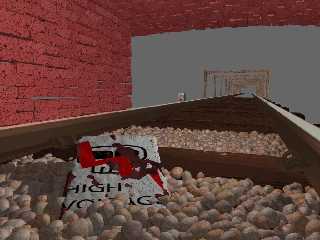
And another render with bridge far away.
Post a reply to this message
Attachments:
Download '1024.jpg' (112 KB)
Preview of image '1024.jpg'
|
|
| |
| |
|
|
|
|
| |
| |
|
|
>> Over in off-topic, Mike was complaining of a lull in the community here,
>> so Ross suggested posting whatever you are doing now, whatever the state
>> of it is.
>
> Excellent :) reminds me of old times...
>
> Now I need to get inspired and create something. I'm thinking about
> dusting off wings and trying a few things, now. Or, maybe I'll get back to
> my fake house project. I've been meaning to work on that one.
>
> Anyway, I enjoyed everyone's images very much. Thanks again!

Yes so did I, it turned out like quite a good idea.  But I guess it isn't
something we can do every week...
Post a reply to this message
|
|
| |
| |
|
|
|
|
| |
| |
|
|
"Trevor G Quayle" <Tin### [at] hotmailcom> wrote:
> "Bruno Cabasson" <bru### [at] alcatelaleniaspacefr> wrote:
> > Here is an attempt to diamonds (and a humble contribution to the 'rendrering
> > lull' topic). After a quick look to gemologists sites for the cut angles.
> >
> > Regards
>
> Looks pretty good to me.  What kind of ior are you using?  Trace level?
>
> -tgq

Hello.

I posted in p.b.s-f my include file for diamonds macro, and here is the test
file for the image (maybe not exactly the same parameters):

// Persistence of Vision Ray Tracer Scene Description File
// File: diamond4.pov
// Vers: 3.5
// Desc: Basic Scene Example
// Date: december 2006
// Auth: Bruno Cabasson
//

#version 3.5;

#include "colors.inc"
#include "diamond.inc"

global_settings {
  assumed_gamma 1.0
  max_trace_level 50
}

// ----------------------------------------

camera {
  location  <0.0, 0.0, -6.0>
  direction 1.5*z
  right     x*image_width/image_height
  look_at   <0.0, 0.0,  0.0>
}


light_source {
  <0, 0, 0>            // light's position (translated below)
  color rgb <1, 1, 1>  // light's color
  //parallel //area_light x/5, y/5, 3, 3 circular orient
  translate -20*z
  rotate 90*x
}
// ----------------------------------------
// Background
sphere {0, 1 pigment {color rgb 0.02} scale 100}

#declare TILT = 25;
object
{
    makeDiamond(Red, 0.99, 15, 0.07)
    rotate -TILT*x
    translate y
}
 object
{
    makeDiamond(Green, 0.99, 15, 0.07)
    rotate -TILT*x
    translate 1.2*x - y/2
}
 object
{
    makeDiamond(Blue, 0.99, 15, 0.07)
    rotate -TILT*x
    translate -1.2*x - y/2
}


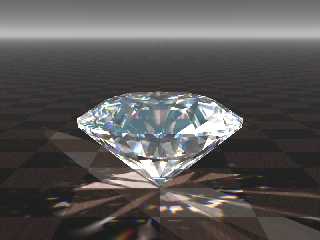
Here is attached another instance of a diamond with photons.

    Regards
Post a reply to this message
Attachments:
Download 'diamond6.png' (416 KB)
Preview of image 'diamond6.png'
|
|
| |
| |
|
|
|
|
| |
| |
|
|
"Trevor G Quayle" <Tin### [at] hotmailcom> wrote:
> "Bruno Cabasson" <bru### [at] alcatelaleniaspacefr> wrote:
> > Here is an attempt to diamonds (and a humble contribution to the 'rendrering
> > lull' topic). After a quick look to gemologists sites for the cut angles.
> >
> > Regards
>
> Looks pretty good to me.  What kind of ior are you using?  Trace level?
>
> -tgq

Hello.

I posted in p.b.s-f my include file for diamonds macro, and here is the test
file for the image (maybe not exactly the same parameters):

// Persistence of Vision Ray Tracer Scene Description File
// File: diamond4.pov
// Vers: 3.5
// Desc: Basic Scene Example
// Date: december 2006
// Auth: Bruno Cabasson
//

#version 3.5;

#include "colors.inc"
#include "diamond.inc"

global_settings {
  assumed_gamma 1.0
  max_trace_level 50
}

// ----------------------------------------

camera {
  location  <0.0, 0.0, -6.0>
  direction 1.5*z
  right     x*image_width/image_height
  look_at   <0.0, 0.0,  0.0>
}


light_source {
  <0, 0, 0>            // light's position (translated below)
  color rgb <1, 1, 1>  // light's color
  //parallel //area_light x/5, y/5, 3, 3 circular orient
  translate -20*z
  rotate 90*x
}
// ----------------------------------------
// Background
sphere {0, 1 pigment {color rgb 0.02} scale 100}

#declare TILT = 25;
object
{
    makeDiamond(Red, 0.99, 15, 0.07)
    rotate -TILT*x
    translate y
}
 object
{
    makeDiamond(Green, 0.99, 15, 0.07)
    rotate -TILT*x
    translate 1.2*x - y/2
}
 object
{
    makeDiamond(Blue, 0.99, 15, 0.07)
    rotate -TILT*x
    translate -1.2*x - y/2
}


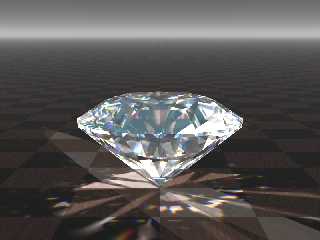
Here is attached another instance of a diamond with photons.

    Regards
Post a reply to this message
Attachments:
Download 'diamond6.png' (416 KB)
Preview of image 'diamond6.png'
|
|
| |
| |
|
|
|
|
| |
| |
|
|
Sorry, I posted twice (the server told me an error for the first one ...).
Post a reply to this message
|
|
| |
| |
|
|
|
|
| |
| |
|
|
"scott" <ask### [at] mecom> wrote:
> Over in off-topic, Mike was complaining of a lull in the community here, so
> Ross suggested posting whatever you are doing now, whatever the state of it
> is.
>
> So, here are the two things I've been working on recently.  First is a basic
> attempt to model my office, second is an attempt to model a bike wheel.

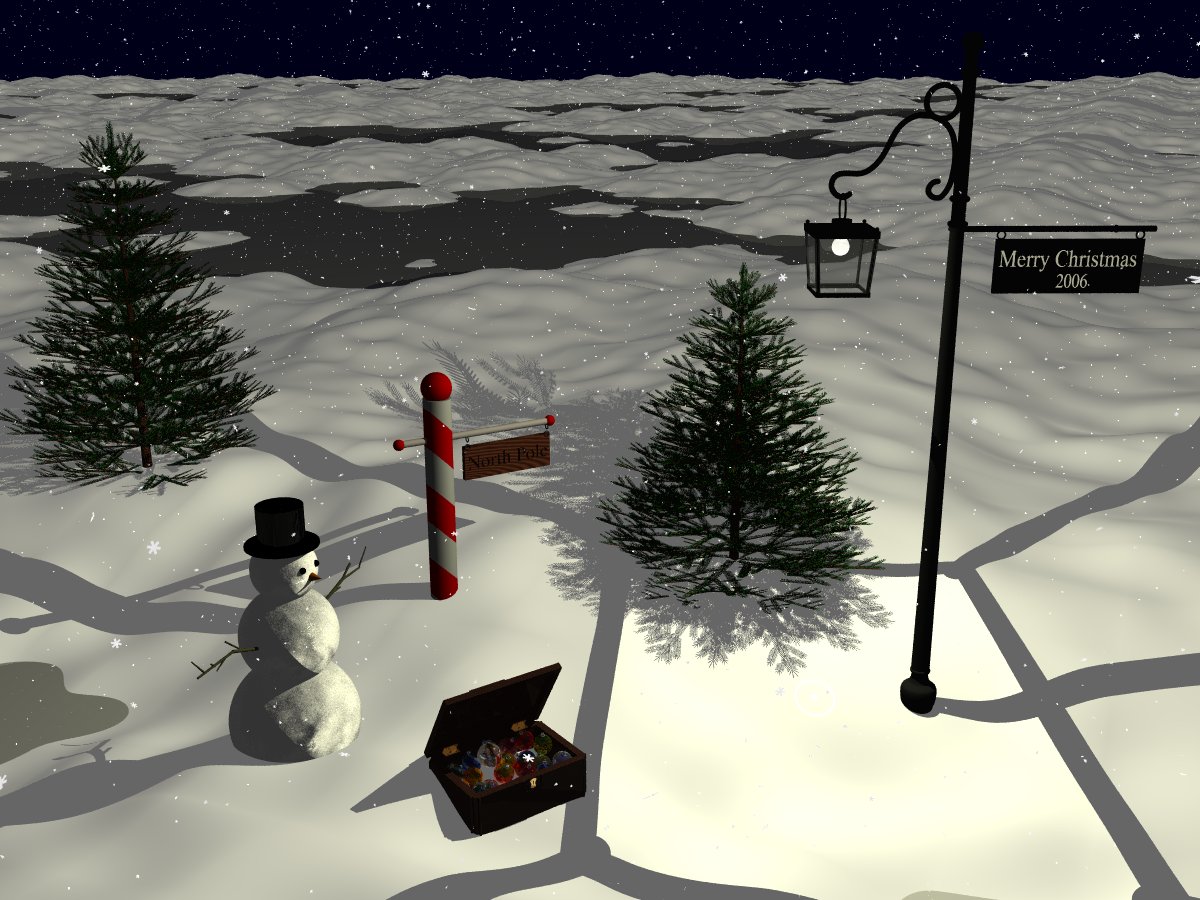
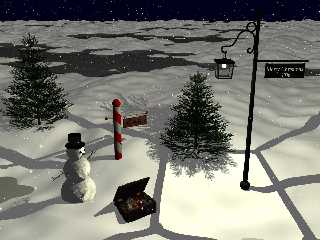
Nearly completed Christmas scene.  I will finish with radiosity enabled for
the final version.

-James
Post a reply to this message
Attachments:
Download 'xmas2006.jpg' (197 KB)
Preview of image 'xmas2006.jpg'
|
|
| |
| |
|
|
From: Thomas de Groot
Subject: Re: My Take (was Re: Rendering lull)
Date: 20 Dec 2006 02:49:57
Message: <4588eb25@news.povray.org>
|
|
|
| |
| |
|
|
This is a beautiful scene, almost surrealistic. I like that very much. The
water is fine indeed.

Thomas
Post a reply to this message
|
|
| |
| |
|
|
|
|
| |
| |
|
|
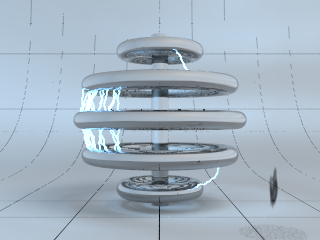
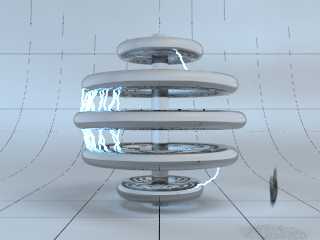
I'm also working on an image for CGSpheres.  It's a Tesla Coil, but I still
need to add a couple bugs flying around.

Even an image this small took 9 and a 1/2 hours to do.  I think it might
have been the radiosity and 1500+ light sources.  Even without the
radiosity, this still takes some significant time to render.
Post a reply to this message
Attachments:
Download 'cgsphere.png' (64 KB)
Preview of image 'cgsphere.png'
|
|
| |
| |
|
|
|
|
| |