|
|
|
|
|
|
| |
| |
|
|
From: Stephen
Subject: Re: Blender to Povray: unofficial version: screenshots
Date: 17 Feb 2014 16:17:15
Message: <53027c5b$1@news.povray.org>
|
|
|
| |
| |
|
|
On 17/02/2014 7:20 PM, Robert McGregor wrote:
> Wow, this is really exciting stuff!
>
> That's it, I'm downloading Blender!
Have fun and be prepared for a change of viewpoint.
I am having difficulty working out which is the best way of doing things
with Meshes.
--
Regards
Stephen
Post a reply to this message
|
|
| |
| |
|
|
|
|
| |
| |
|
|
"Robert McGregor" <rob### [at] mcgregorfineart com> wrote:
> Wow, this is really exciting stuff!
>
> That's it, I'm downloading Blender!
> -------------------------------------------------
> www.McGregorFineArt.com
I just started using Blender this year. Should have started years ago. Better
late than never. com> wrote:
> Wow, this is really exciting stuff!
>
> That's it, I'm downloading Blender!
> -------------------------------------------------
> www.McGregorFineArt.com
I just started using Blender this year. Should have started years ago. Better
late than never.
Post a reply to this message
|
|
| |
| |
|
|
|
|
| |
| |
|
|
Stephen <mca### [at] aolcom> wrote:
> On 16/02/2014 7:18 PM, LanuHum wrote:
> > Stephen <mca### [at] aolcom> wrote:
>
> I am new to Blender and I have been using the official addon. I would
> like to try your branch. You would need to tell me how to get and
> install it. And a few ground rules on how to use it.
>
> Regards
> Stephen
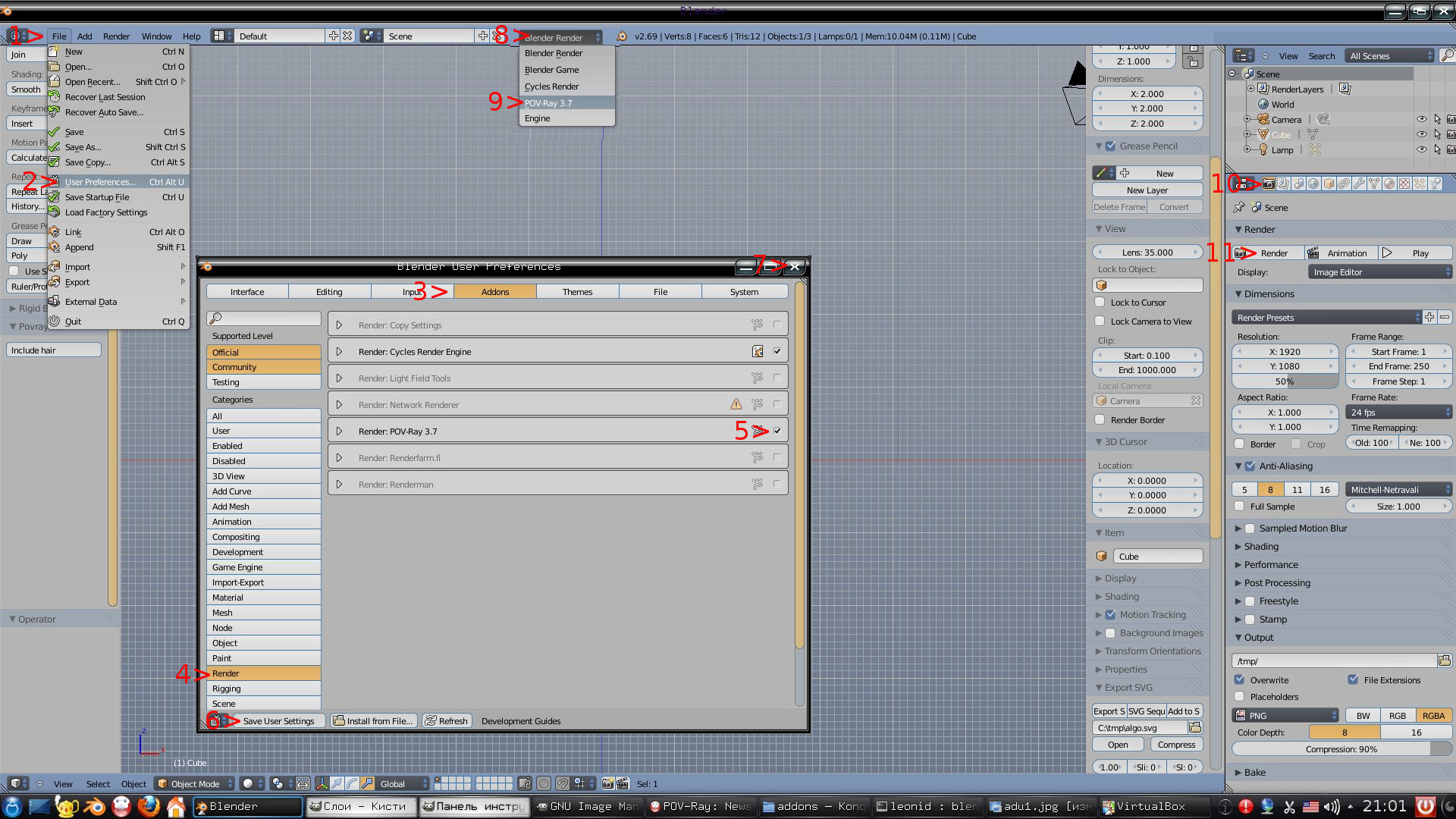
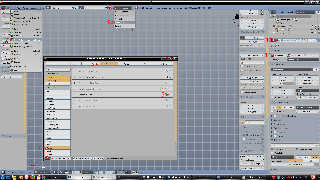
downloads the last my version:
http://news.povray.org/povray.binaries.utilities/thread/%3Cweb.53038279e8a704e97a3e03fe0%40news.povray.org%3E/
unpack
In Windows two ways of use of Blender: installer or zip-archive.
1. If use installer, after install go:
C:\Program Files\Blender Foundation\Blender\2.69\scripts\addons
2. If use zip: unpack archive and we pass into the unpacked archive. It will be
started by a double click on file "blender". Close Blender and go
\2.69\scripts\addons
In addons we find the render_povray folder is an official version. We replace it
with the
folder from my archive
In Linux:
We apply the second way of Windows to Linux
Post a reply to this message
Attachments:
Download 'startpovray.jpg' (498 KB)
Preview of image 'startpovray.jpg'
|
|
| |
| |
|
|
|
|
| |
| |
|
|
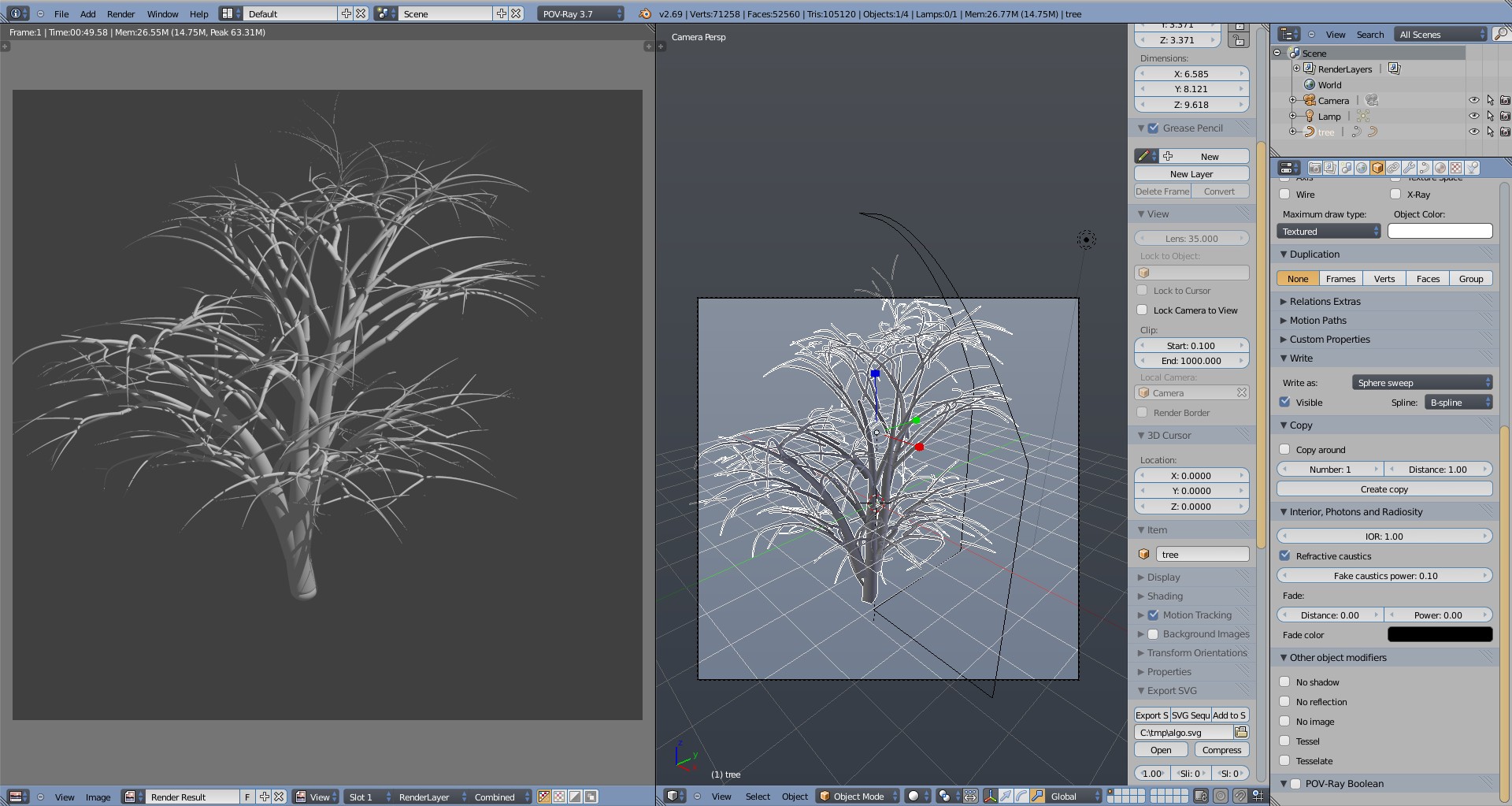
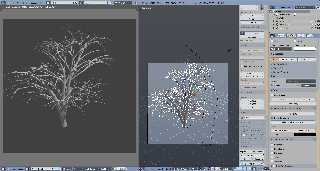
Tree.
Make with sphere_sweep.
:)
Post a reply to this message
Attachments:
Download 'tree_ss.blend.jpg' (363 KB)
Preview of image 'tree_ss.blend.jpg'
|
|
| |
| |
|
|
From: Thomas de Groot
Subject: Re: Blender to Povray: unofficial version: screenshots
Date: 20 Apr 2014 03:12:48
Message: <53537370$1@news.povray.org>
|
|
|
| |
| |
|
|
On 20-4-2014 7:56, LanuHum wrote:
> Tree.
> Make with sphere_sweep.
> :)
>
>
Nicely done.
- Branch attachments to their bases are not smooth and show some offsets.
- In trees, the hierarchy generally goes from large to small and few to
many. i.e. for instance: one large trunk, few smaller branches, many
even smaller twigs, numerous leaves.
Thomas
Post a reply to this message
|
|
| |
| |
|
|
|
|
| |
| |
|
|
Thomas de Groot <tho### [at] degrootorg> wrote:
> On 20-4-2014 7:56, LanuHum wrote:
> > Tree.
> > Make with sphere_sweep.
> > :)
> >
> >
> Nicely done.
>
> - Branch attachments to their bases are not smooth and show some offsets.
>
> - In trees, the hierarchy generally goes from large to small and few to
> many. i.e. for instance: one large trunk, few smaller branches, many
> even smaller twigs, numerous leaves.
>
> Thomas
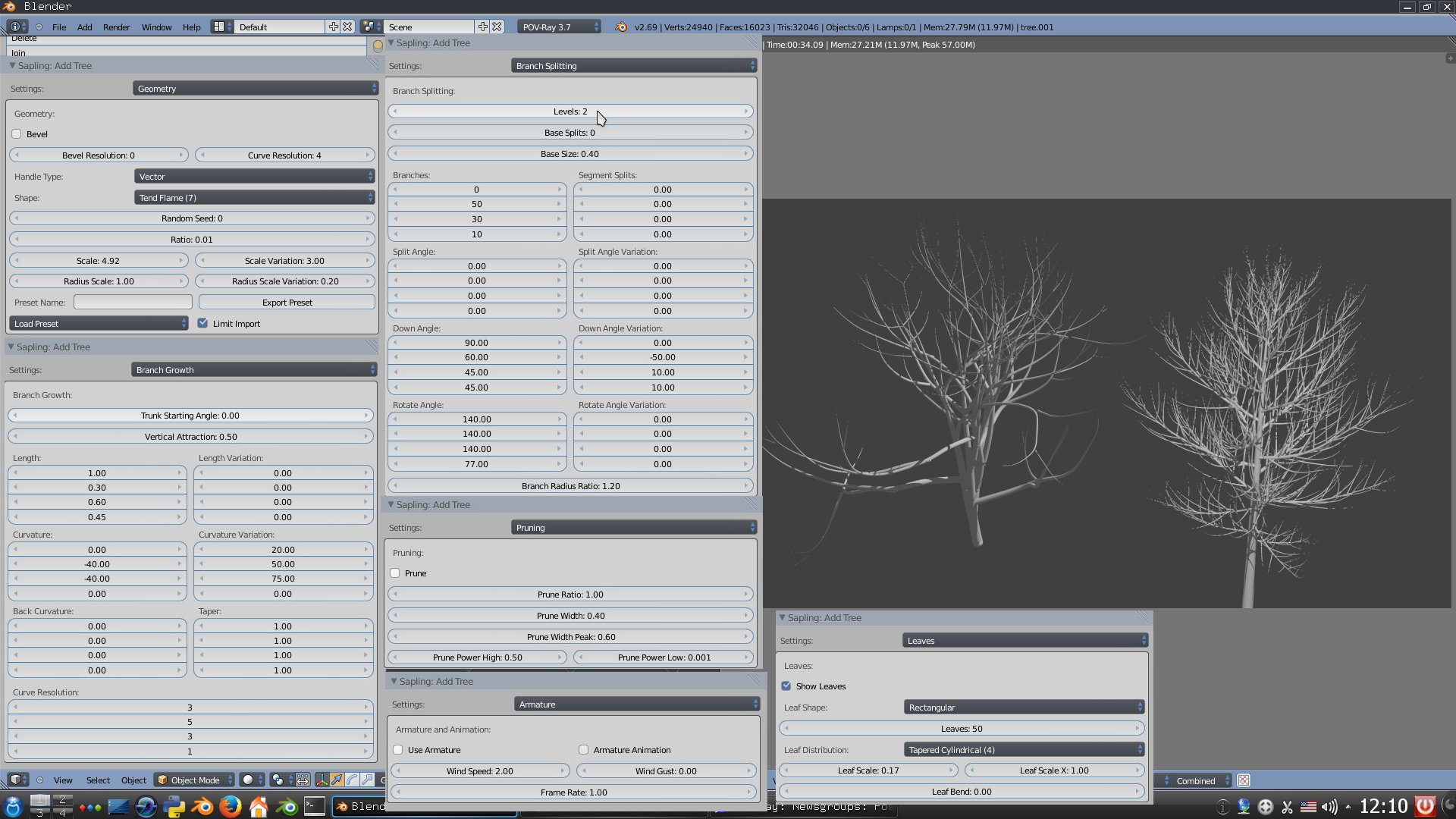
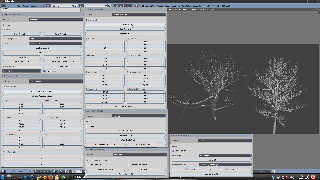
Blender has the generator of trees.
On a screenshot of its control, including possibility of animation.
My task - to transfer it in Povray, using possibilities of Povray.
For this purpose there are options:
1 . To convert a tree in mesh
2 . To write down it as sphere_sweep
3 . To write down it as blob. Over this option I work. Branches will smoothly
join
The generator creates leaves, but, not really beautifully.
Over it we will think.
:)
Post a reply to this message
Attachments:
Download 'addon_sapling.jpeg.jpg' (332 KB)
Preview of image 'addon_sapling.jpeg.jpg'
|
|
| |
| |
|
|
From: Thomas de Groot
Subject: Re: Blender to Povray: unofficial version: screenshots
Date: 20 Apr 2014 07:09:17
Message: <5353aadd$1@news.povray.org>
|
|
|
| |
| |
|
|
On 20-4-2014 10:34, LanuHum wrote:
> Blender has the generator of trees.
> On a screenshot of its control, including possibility of animation.
> My task - to transfer it in Povray, using possibilities of Povray.
> For this purpose there are options:
> 1 . To convert a tree in mesh
> 2 . To write down it as sphere_sweep
> 3 . To write down it as blob. Over this option I work. Branches will smoothly
> join
Yes, those are the interesting options indeed. Blobs for foreground
trees and mesh for planting whole forests.
>
> The generator creates leaves, but, not really beautifully.
> Over it we will think.
> :)
>
In interesting option for this would be to generate flat or curved mesh
polygons, uv-mapped with a leaf image map. Alternatively, a polygon in
the form of a leaf, to be textured accordingly.
Thomas
Post a reply to this message
|
|
| |
| |
|
|
|
|
| |
| |
|
|
Thomas de Groot <tho### [at] degrootorg> wrote:
> >
> In interesting option for this would be to generate flat or curved mesh
> polygons, uv-mapped with a leaf image map. Alternatively, a polygon in
> the form of a leaf, to be textured accordingly.
>
> Thomas
UV texturing in Blender allows to create the massif of leaves.
For this purpose it is necessary to make necessary manipulations.
To create UV, it is necessary to create rectangle leaves
Having allocated leaves it is necessary to pass into an editing mode.
Then, having allocated everything (is by default allocated) to make unwrap
\follow active quads
Post a reply to this message
|
|
| |
| |
|
|
|
|
| |
| |
|
|
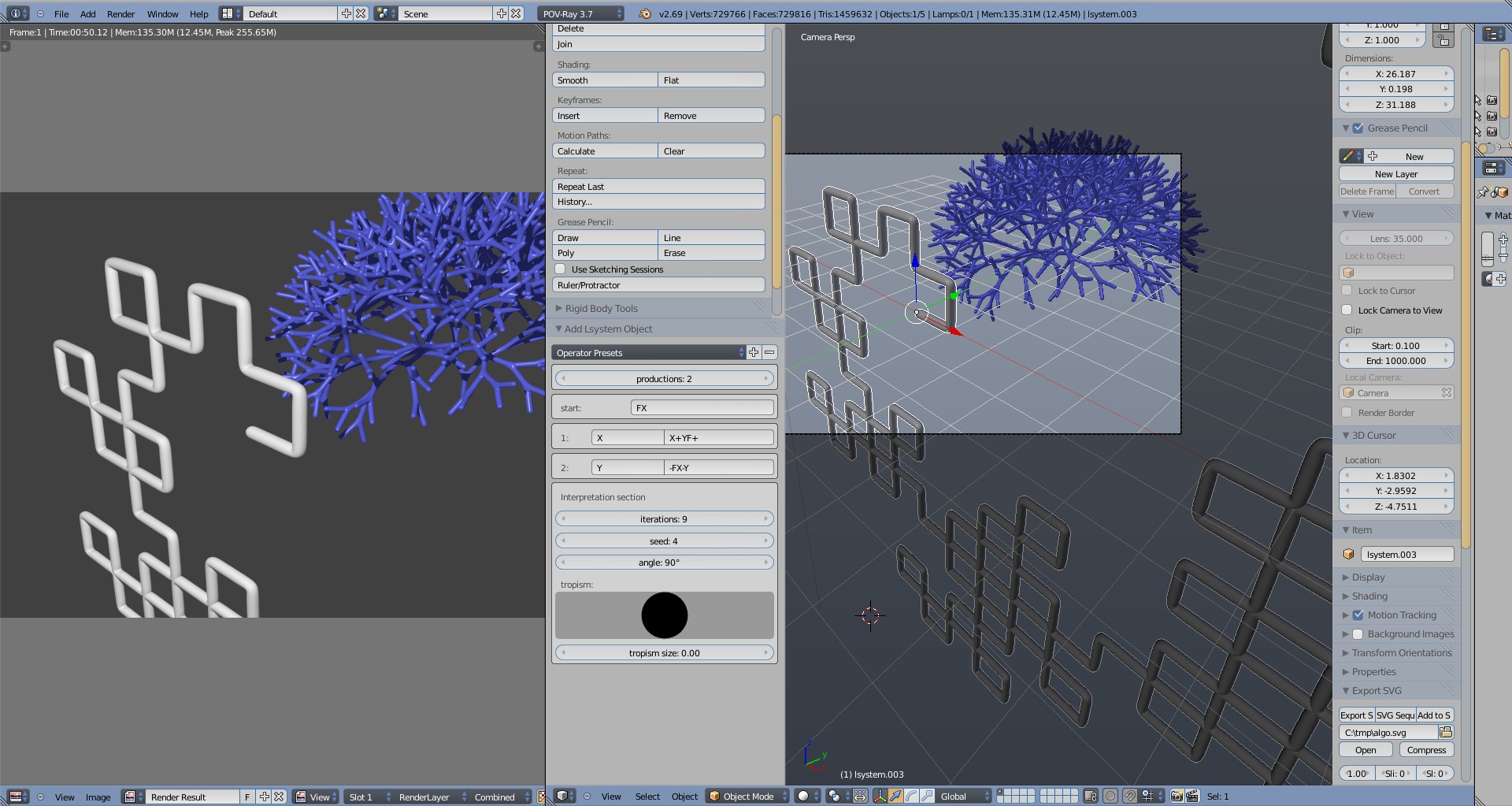
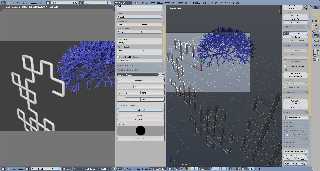
Addon L-system:
Post a reply to this message
Attachments:
Download 'lsystem.blend.jpg' (371 KB)
Preview of image 'lsystem.blend.jpg'
|
|
| |
| |
|
|
|
|
| |
| |
|
|
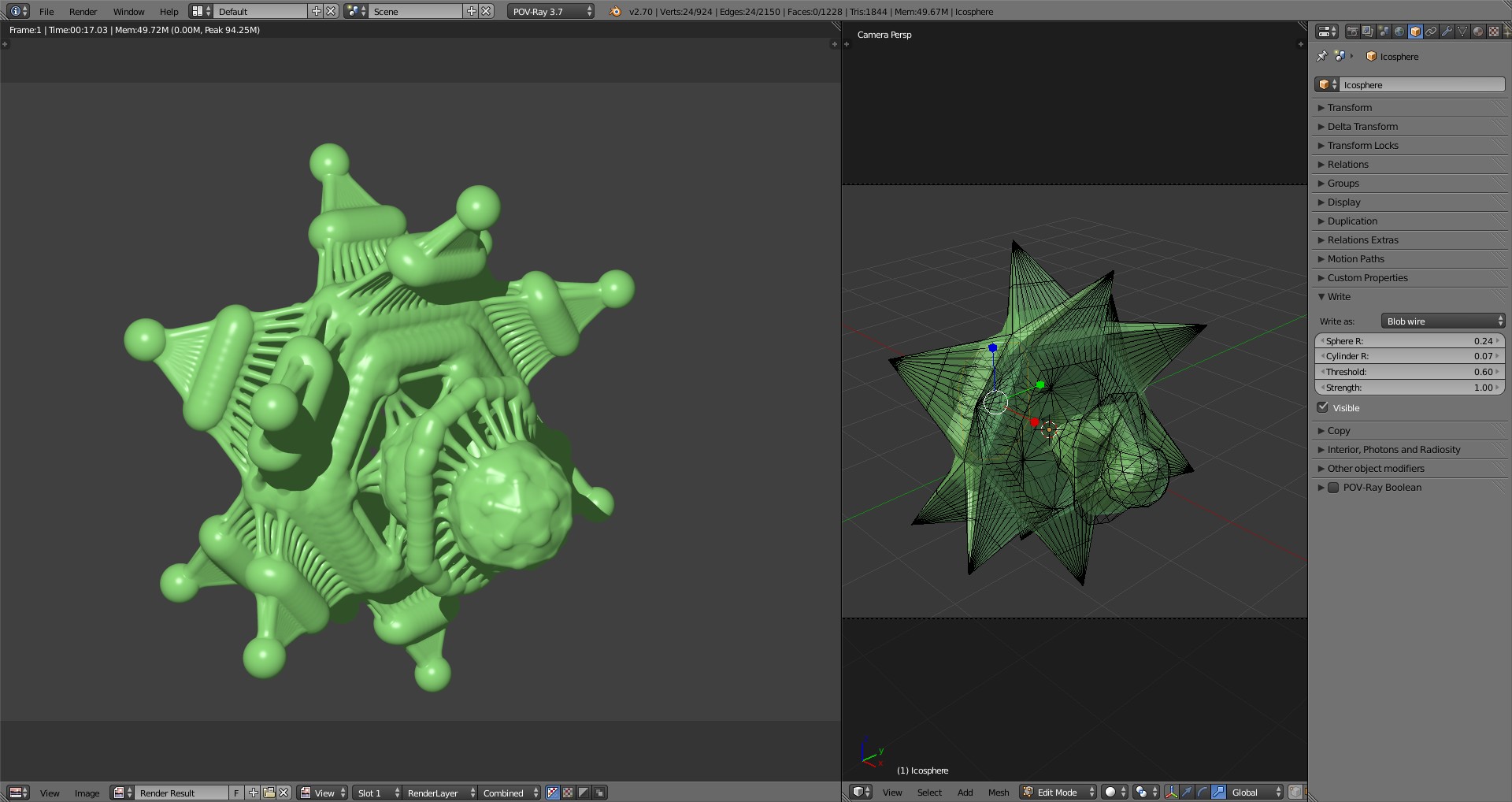
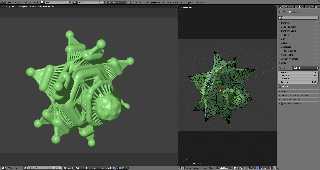
Blobs:
Post a reply to this message
Attachments:
Download 'blov_wire.jpg' (238 KB)
Preview of image 'blov_wire.jpg'
|
|
| |
| |
|
|
|
|
| |