|
|
|
|
|
|
| |
| |
|
|
|
|
| |
| |
|
|
I'm currently working on a couple of bug fixes, some small enhancements and
a few more examples for my Blockwall macro.
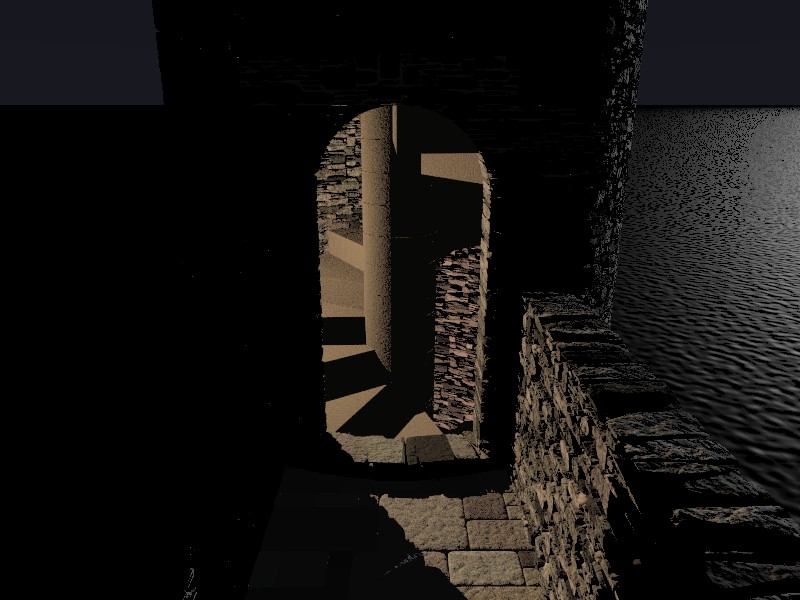
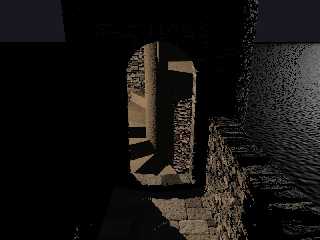
Here's one of the new examples. I've tried to give it a bit of atmosphere by
doing a simple night scene.
Post a reply to this message
Attachments:
Download 'blockwall_21.jpg' (89 KB)
Preview of image 'blockwall_21.jpg'
|
|
| |
| |
|
|
|
|
| |
| |
|
|
On Sun, 28 Dec 2008 16:28:39 -0000, "Chris B" <nom### [at] nomail com> wrote:
>Here's one of the new examples. I've tried to give it a bit of atmosphere by
>doing a simple night scene.
That looks great, Chris.
--
Regards
Stephen com> wrote:
>Here's one of the new examples. I've tried to give it a bit of atmosphere by
>doing a simple night scene.
That looks great, Chris.
--
Regards
Stephen
Post a reply to this message
|
|
| |
| |
|
|
|
|
| |
| |
|
|
"Chris B" <nom### [at] nomailcom> schreef in bericht
news:4957a940@news.povray.org...
> I'm currently working on a couple of bug fixes, some small enhancements
> and
> a few more examples for my Blockwall macro.
> Here's one of the new examples. I've tried to give it a bit of atmosphere
> by
> doing a simple night scene.
>
>

I am very happy with your macro and am going to use it right away! This
example looks good indeed. It shows the very different uses the macro can be
put to.

Thomas
Post a reply to this message
|
|
| |
| |
|
|
|
|
| |
| |
|
|
"Thomas de Groot" <tDOTdegroot@interDOTnlANOTHERDOTnet> wrote in message
news:4958863a@news.povray.org...
>
> "Chris B" <nom### [at] nomailcom> schreef in bericht
> news:4957a940@news.povray.org...
>> I'm currently working on a couple of bug fixes, some small enhancements
>> and
>> a few more examples for my Blockwall macro.
>> Here's one of the new examples. I've tried to give it a bit of atmosphere
>> by
>> doing a simple night scene.
>>
>>
>
> I am very happy with your macro and am going to use it right away! This
> example looks good indeed. It shows the very different uses the macro can
> be put to.
>
> Thomas

Thanks Stephen and Thomas,
The blockwork pattern ideas behind these macros came to me when I was
thinking about your pavement conundrum Thomas.

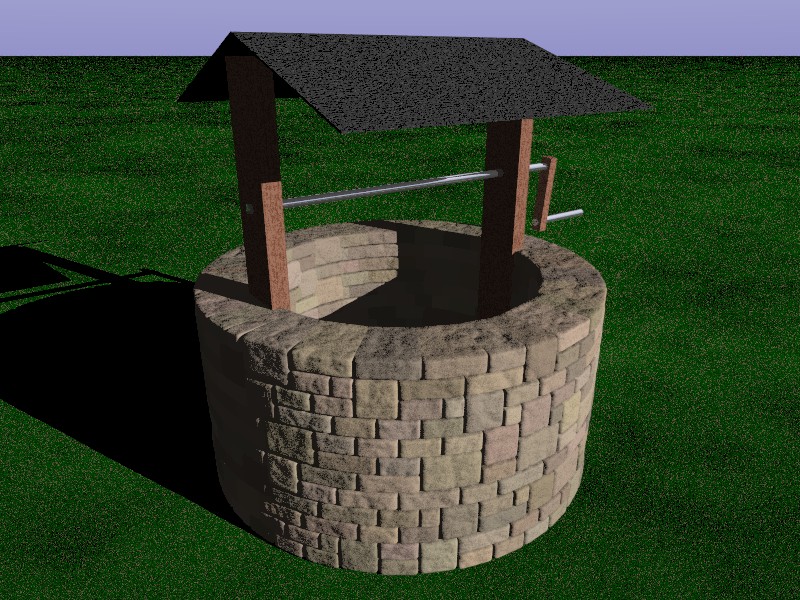
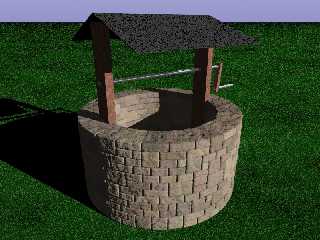
Here's another example. Note that these perfectly circular walls are a
feature of V1.1 which I'm planning to put out in a few days time.
Post a reply to this message
Attachments:
Download 'blockwall_22.jpg' (187 KB)
Preview of image 'blockwall_22.jpg'
|
|
| |
| |
|
|
|
|
| |
| |
|
|
"Chris B" <nom### [at] nomailcom> schreef in bericht
news:4958a5f9@news.povray.org...
>
> Thanks Stephen and Thomas,
> The blockwork pattern ideas behind these macros came to me when I was
> thinking about your pavement conundrum Thomas.

Ah yes. Reminds me that I have to use that one too. :-)

By the way, now that we talk about that macro, it would be nice to use the
curved pavement also as a trace on an underlying, non-flat surface. That way
you can provide for the necessary gutters for instance. That should not be
too difficul to implement?

>
> Here's another example. Note that these perfectly circular walls are a
> feature of V1.1 which I'm planning to put out in a few days time.

Yes that is an important feature indeed.

Thomas
Post a reply to this message
|
|
| |
| |
|
|
|
|
| |
| |
|
|
"Chris B" <nom### [at] nomailcom> wrote in message
news:4957a940@news.povray.org...
> I'm currently working on a couple of bug fixes, some small enhancements
> and
> a few more examples for my Blockwall macro.
> Here's one of the new examples. I've tried to give it a bit of atmosphere
> by
> doing a simple night scene.
>

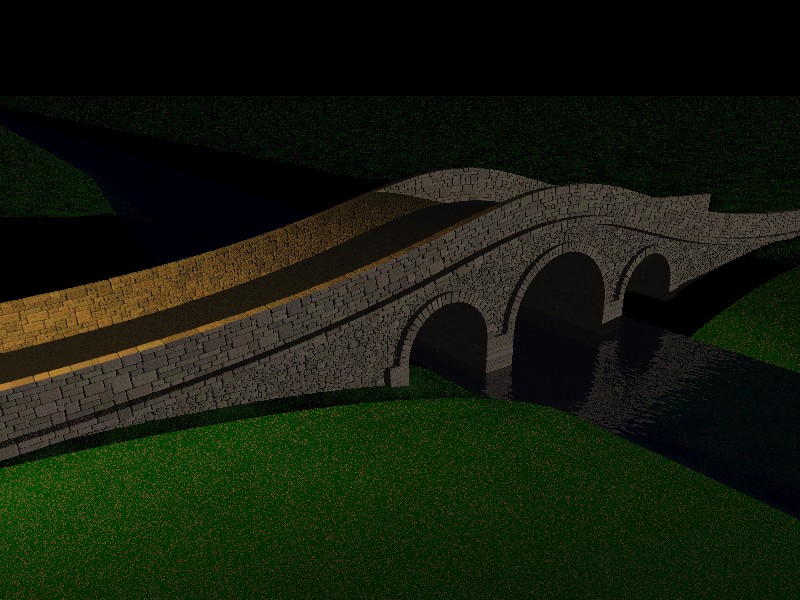
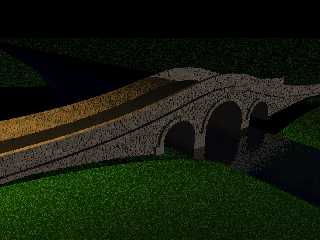
Here's another example I've generated using the macros.
Post a reply to this message
Attachments:
Download 'blockwall_24.jpg' (143 KB)
Preview of image 'blockwall_24.jpg'
|
|
| |
| |
|
|
|
|
| |
| |
|
|
Chris B wrote:
> Here's another example I've generated using the macros.

Wow, that's a lot of blocks!

Render time?
Post a reply to this message
|
|
| |
| |
|
|
|
|
| |
| |
|
|
"Nicolas Alvarez" <nic### [at] gmailcom> wrote in message
news:49595674@news.povray.org...
> Chris B wrote:
>> Here's another example I've generated using the macros.
>
> Wow, that's a lot of blocks!
>
> Render time?

5 min 30 seconds on a 2 Quad 2.4GHz at 800x600 0.3 AA
(Mostly parsing time)
Post a reply to this message
|
|
| |
| |
|
|
|
|
| |
| |
|
|
"Chris B" <nom### [at] nomailcom> wrote in message
news:49590349@news.povray.org...

> Here's another example I've generated using the macros.
>

   Nice! I made a bridge similar to yours but with meshes. How long did this
take to render?


       ~Steve~
Post a reply to this message
|
|
| |
| |
|
|
|
|
| |
| |
|
|
Oops, missed your reply to Nicolas.

  5 minutes, that's fast.

   ~Steve~
Post a reply to this message
|
|
| |
| |
|
|
|
|
| |
| |
|
|
Cool.
Post a reply to this message
|
|
| |
| |
|
|
|
|
| |
| |
|
|
"St." <dot### [at] dotcom> wrote in message news:495968a9@news.povray.org...
>  I made a bridge similar to yours but with meshes.
>
>  5 minutes, that's fast.
>

How long did your mesh version take to render?
Of course mine doesn't use any complex lighting and I am on quite a quick
machine.

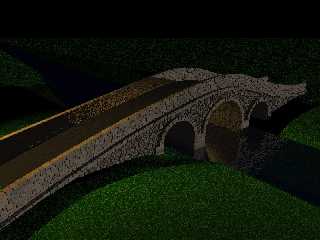
Most of the test renders are very quick because I can simply specify a
larger block size. Doubling the block size quarters the number of blocks and
still looks reasonable. I've now altered the model to enable the approach
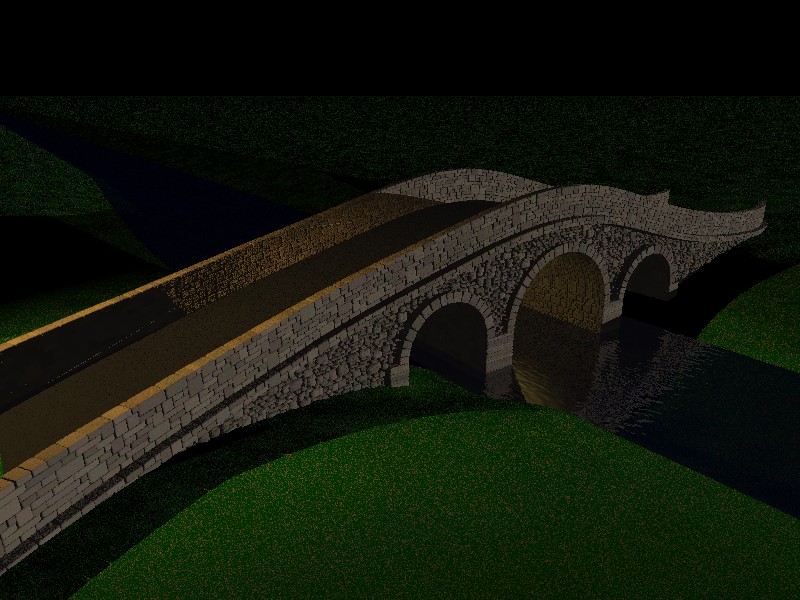
roads to be curved. In this image I've also added a light under the middle
arch to help show off the blockwork.
Post a reply to this message
Attachments:
Download 'blockwall_24.jpg' (137 KB)
Preview of image 'blockwall_24.jpg'
|
|
| |
| |
|
|
|
|
| |
| |
|
|
"Thomas de Groot" <tDOTdegroot@interDOTnlANOTHERDOTnet> wrote in message
news:4958e746@news.povray.org...
>
> "Chris B" <nom### [at] nomailcom> schreef in bericht
>> Note that these perfectly circular walls are a
>> feature of V1.1 which I'm planning to put out in a few days time.
>
> Yes that is an important feature indeed.

I've posted V1.1 of the Blockwall macros with documentation and an
explanation of how to make bridges, wells, castle battlements etc here:
http://lib.povray.org/collection/blockwall/chrisb%201.1/blockwall.html

V1.1 includes the Blockwall_Arc macro to do completely circular or partially
circular walls. The first parameter is the number of degrees of arc that the
wall should transcribe. If you specify 360 degrees it interleaves the ends
so you can't see the seam.
Post a reply to this message
|
|
| |
| |
|
|
|
|
| |
| |
|
|
"Chris B" <nom### [at] nomailcom> wrote in message
news:495a136c@news.povray.org...
>
> "St." <dot### [at] dotcom> wrote in message news:495968a9@news.povray.org...
>>  5 minutes, that's fast.
>
> Most of the test renders are very quick because I can simply specify a
> larger block size.

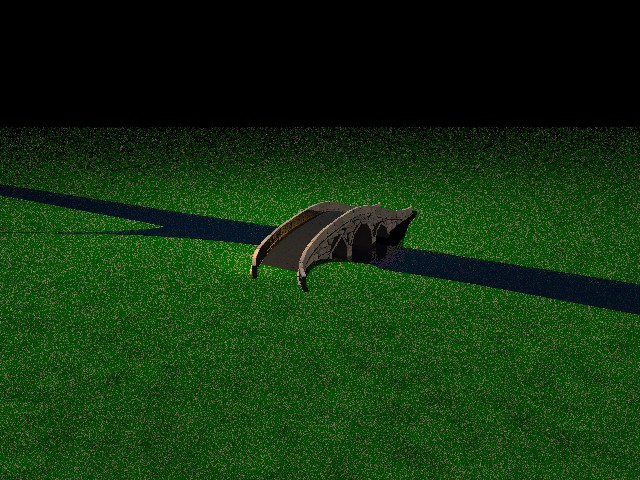
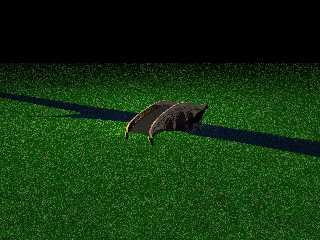
Here's an example I put in the documentation using a distant camera at
640x480 with quite a large block size that took just 4 seconds to parse and
render.
Post a reply to this message
Attachments:
Download 'blockwall_24a.jpg' (122 KB)
Preview of image 'blockwall_24a.jpg'
|
|
| |
| |
|
|
|
|
| |
| |
|
|
These are brilliant.
Post a reply to this message
|
|
| |
| |
|
|
|
|
| |