|
|
|
|
|
|
| |
| |
|
|
|
|
| |
| |
|
|
clipka <ano### [at] anonymous org> wrote:
> Am 27.06.2015 um 20:16 schrieb LanuHum:
> > Use meshmaker.inc
> >
> > Very good tool!!!
>
> This looks seriously fascinating!
Thanks! I am glad that it is pleasant to the developer.
It will be possible to make simulation of the created object later.
:) org> wrote:
> Am 27.06.2015 um 20:16 schrieb LanuHum:
> > Use meshmaker.inc
> >
> > Very good tool!!!
>
> This looks seriously fascinating!
Thanks! I am glad that it is pleasant to the developer.
It will be possible to make simulation of the created object later.
:)
Post a reply to this message
|
|
| |
| |
|
|
|
|
| |
| |
|
|
"LanuHum" <Lan### [at] yandexru> wrote:
> @clipka:
> Possibly, my dialogue with Mr in the Python language will yield more results,
> than my unclear English.
> If Mr reads my post in English probably he understands nothing.
> Or, badly understands.
> But, if he reads my Python-code, he well understands that I want to tell.
> Everything that it will find useful to the official version it can take.
> But, Mr probably has not enough time for work on the exporter.
> Besides, my version is that I want to have at myself.
> Perhaps, tomorrow either in a year, or in other time I need to create something
> in the Blender and to render a scene in Povray.
> Already today my version is more efficient.
> It is impossible to make all my changes to the official version.
> Also, I don't see that it is possible to add to the official version that it
> became more efficient.
Your work is inspiring. Keep it up. For now, your version has one problem: One
needs to activate the nodes outside of the POV-Ray Rendering mode, could you
make it so that user who just installed Blender and pov could create a material
or modify the default one with the default scene right after they activated the
addon and switch Blender to POV-Ray renderer? I'm thinking of some switch
between nodal /non nodal materials, so that you don't simply discard all the
existing non nodal functionality of the script.
Also some other functionnalities have been added since you branched such as
UberPOV support in user preferences, blurry reflexions, etc. Just to make sure
you know about it.
The inteface you added for Globals is great I think I will push it whenever I
can.
Thanks.
Post a reply to this message
|
|
| |
| |
|
|
|
|
| |
| |
|
|
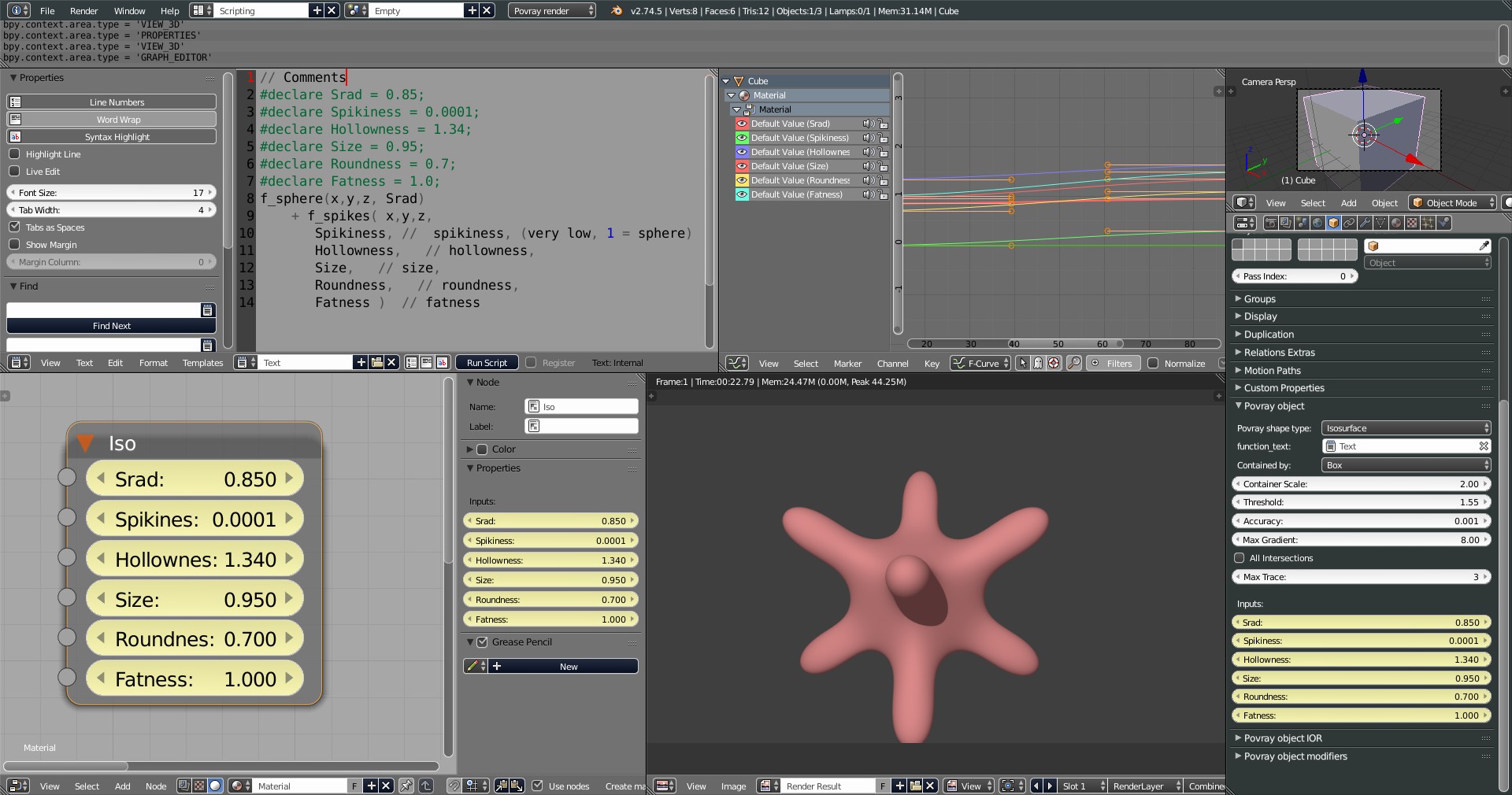
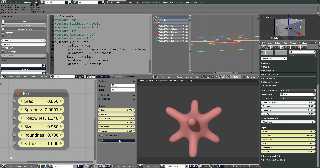
Isosurface with animation of properties
Post a reply to this message
Attachments:
Download 'isosurface.blend.jpg' (354 KB)
Preview of image 'isosurface.blend.jpg'
|
|
| |
| |
|
|
|
|
| |
| |
|
|
"LanuHum" <Lan### [at] yandexru> wrote:
> Isosurface with animation of properties
https://youtu.be/s0XNMBuezjg
Post a reply to this message
|
|
| |
| |
|
|
|
|
| |
| |
|
|
"Mr" <nomail@nomail> wrote:
> Also some other functionnalities have been added since you branched such as
> UberPOV support in user preferences, blurry reflexions, etc. Just to make sure
> you know about it.
I don't have this version.
And, its additional opportunities are unknown to me.
>
> The inteface you added for Globals is great I think I will push it whenever I
> can.
>
Important and unimportant parameters are unknown to me. Time will show what to
hide, and what to show
>
> Your work is inspiring. Keep it up. For now, your version has one problem: One
> needs to activate the nodes outside of the POV-Ray Rendering mode, could you
> make it so that user who just installed Blender and pov could create a material
> or modify the default one with the default scene right after they activated the
> addon and switch Blender to POV-Ray renderer? I'm thinking of some switch
> between nodal /non nodal materials, so that you don't simply discard all the
> existing non nodal functionality of the script.
>
> Thanks.
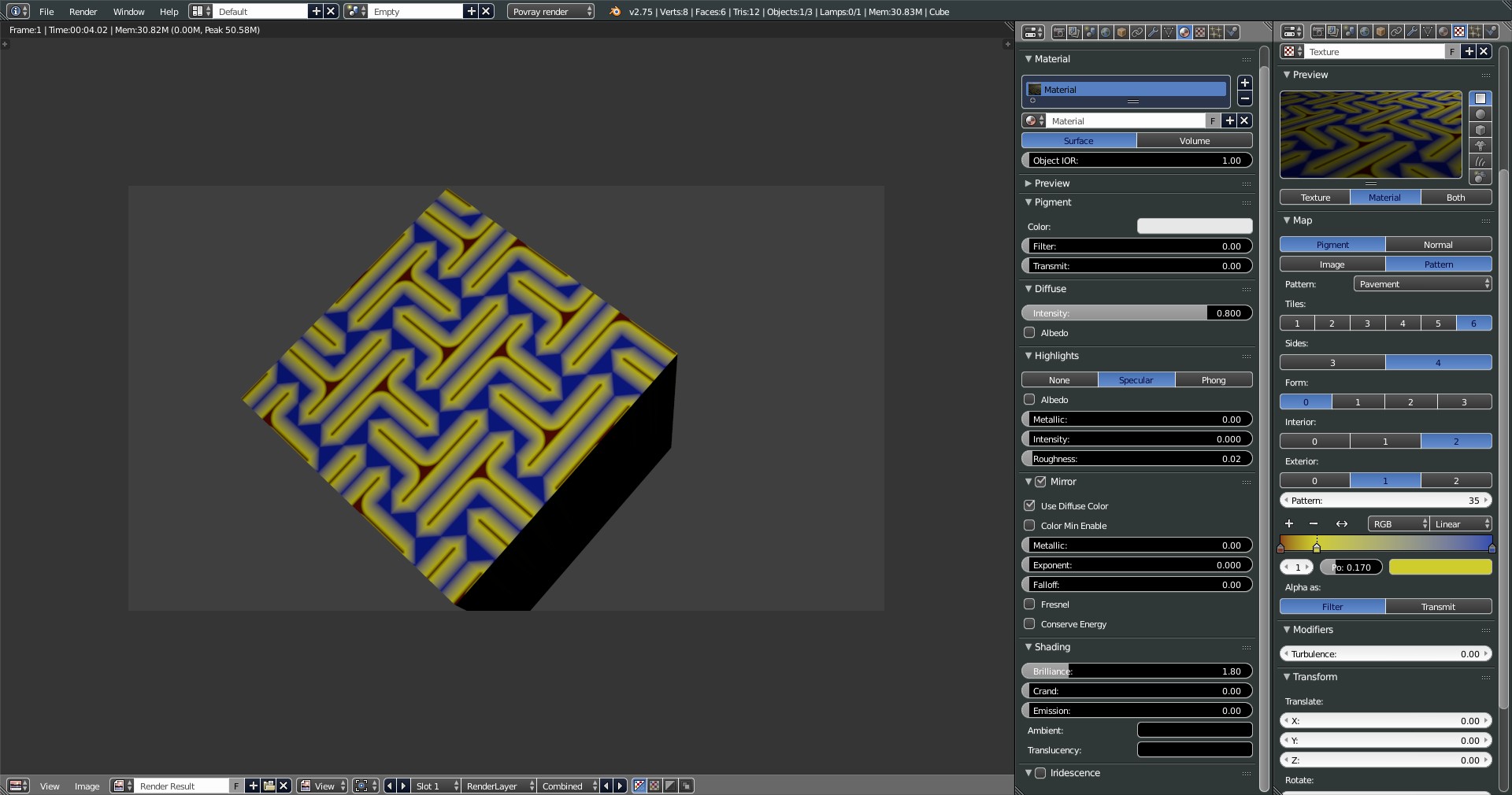
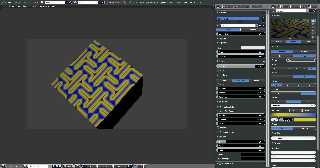
No nodes. Pattern pavement
Post a reply to this message
Attachments:
Download 'pavement.blend.jpg' (254 KB)
Preview of image 'pavement.blend.jpg'
|
|
| |
| |
|
|
|
|
| |
| |
|
|
"LanuHum" <Lan### [at] yandexru> wrote:
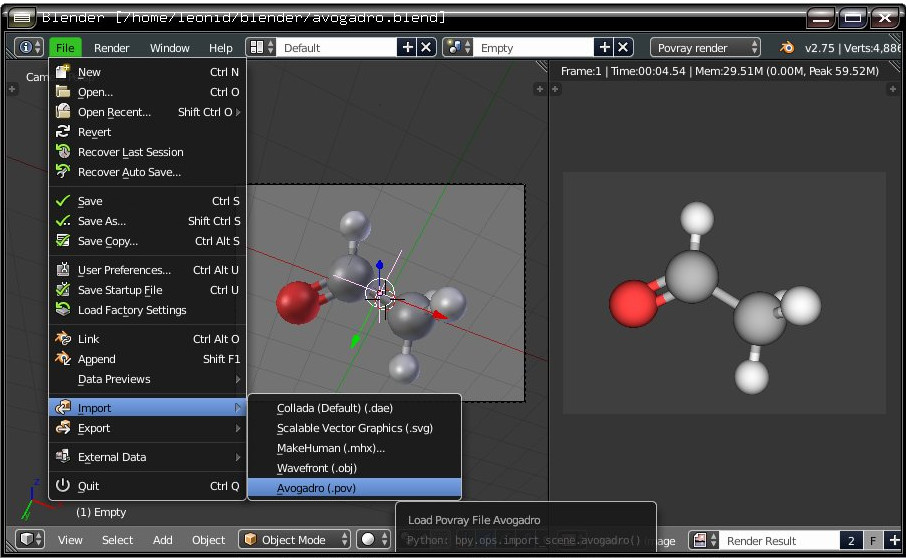
> Parse .pov from Avogadro
Hi, I couldn't find this in your repository. Did you remove it? that was
promissing.
Post a reply to this message
|
|
| |
| |
|
|
|
|
| |
| |
|
|
"Mr" <nomail@nomail> wrote:
> "LanuHum" <Lan### [at] yandexru> wrote:
> > Parse .pov from Avogadro
>
> Hi, I couldn't find this in your repository. Did you remove it? that was
> promissing.
Hi!
It was the test.
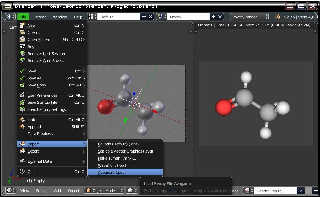
Today I added commit
Post a reply to this message
Attachments:
Download 'import_avogadro.jpg' (107 KB)
Preview of image 'import_avogadro.jpg'
|
|
| |
| |
|
|
|
|
| |
| |
|
|
"LanuHum" <Lan### [at] yandexru> wrote:
> "Mr" <nomail@nomail> wrote:
> > "LanuHum" <Lan### [at] yandexru> wrote:
> > > Parse .pov from Avogadro
> >
> > Hi, I couldn't find this in your repository. Did you remove it? that was
> > promissing.
>
> Hi!
> It was the test.
> Today I added commit
Cool!
I get a "No module named PIL error"; maybe some dependancy?
Post a reply to this message
|
|
| |
| |
|
|
|
|
| |
| |
|
|
"Mr" <nomail@nomail> wrote:
>
> Cool!
> I get a "No module named PIL error"; maybe some dependancy?
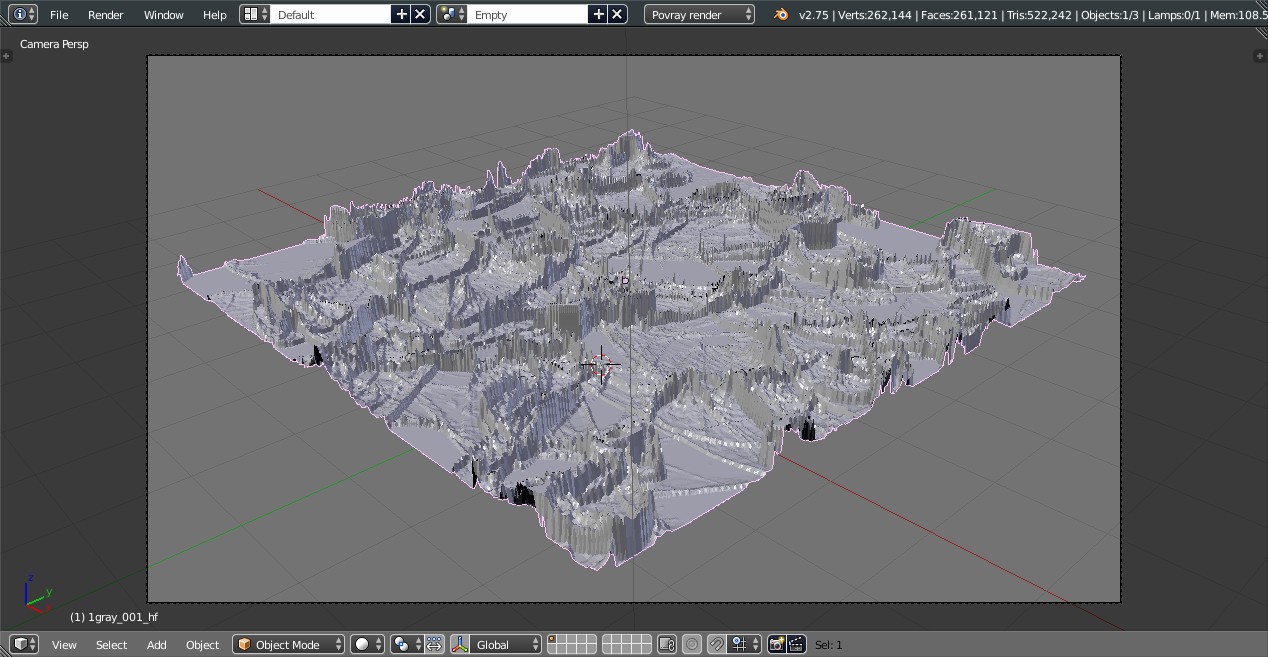
I started writing the operator add height field
This module will be necessary for creation of mesh model of height field.
If I don't think up something another.
I will make change:
try:
except:
Error will be removed.
Post a reply to this message
|
|
| |
| |
|
|
|
|
| |
| |
|
|
"LanuHum" <Lan### [at] yandexru> wrote:
> "Mr" <nomail@nomail> wrote:
>
> >
> > Cool!
> > I get a "No module named PIL error"; maybe some dependancy?
>
> I started writing the operator add height field
> This module will be necessary for creation of mesh model of height field.
> If I don't think up something another.
>
> I will make change:
> try:
> except:
>
> Error will be removed.
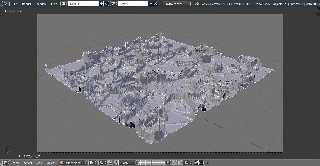
PIL isn't necessary.
We will use: bpy.ops.mesh.noise()
Post a reply to this message
Attachments:
Download 'hf.jpg' (171 KB)
Preview of image 'hf.jpg'
|
|
| |
| |
|
|
|
|
| |