|
|
|
|
|
|
| |
| |
|
|
|
|
| |
| |
|
|
On 28/09/2025 04:24, m@b wrote:
> Same problem using Firefox.
> 2 objs did not upload, I tried a skull and only saw the bottom jaw.
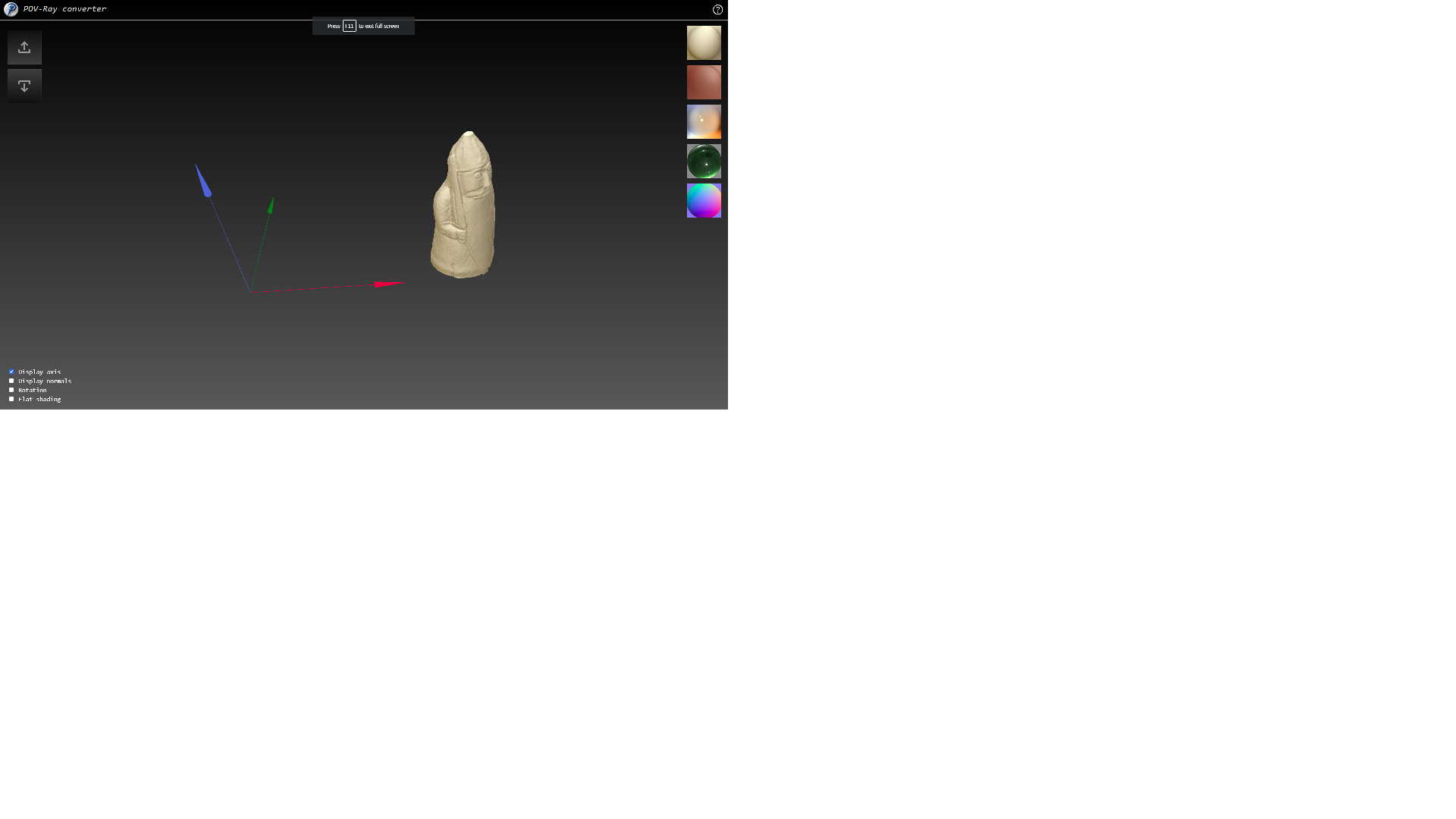
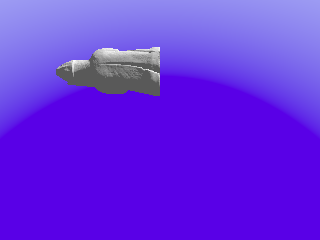
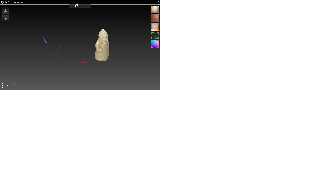
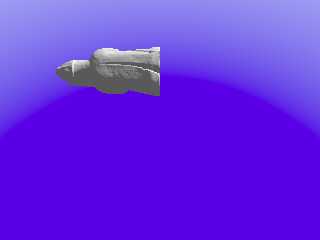
Rook was uploaded and conversion also successful (attached), but you
do not see it because pivot point is shifted and object is too far from
origin. Just play with zoom/pan/rotation or fix it's position.
--
YB
Post a reply to this message
Attachments:
Download 'rook.png' (69 KB)
Download 'scene.png' (16 KB)
Preview of image 'rook.png'
Preview of image 'scene.png'
|
|
| |
| |
|
|
|
|
| |
| |
|
|
On 28/09/2025 06:53, yesbird wrote:
> Rook was uploaded and conversion also successful (attached), but you
> do not see it because pivot point is shifted and object is too far from
> origin. Just play with zoom/pan/rotation or fix it's position.
>
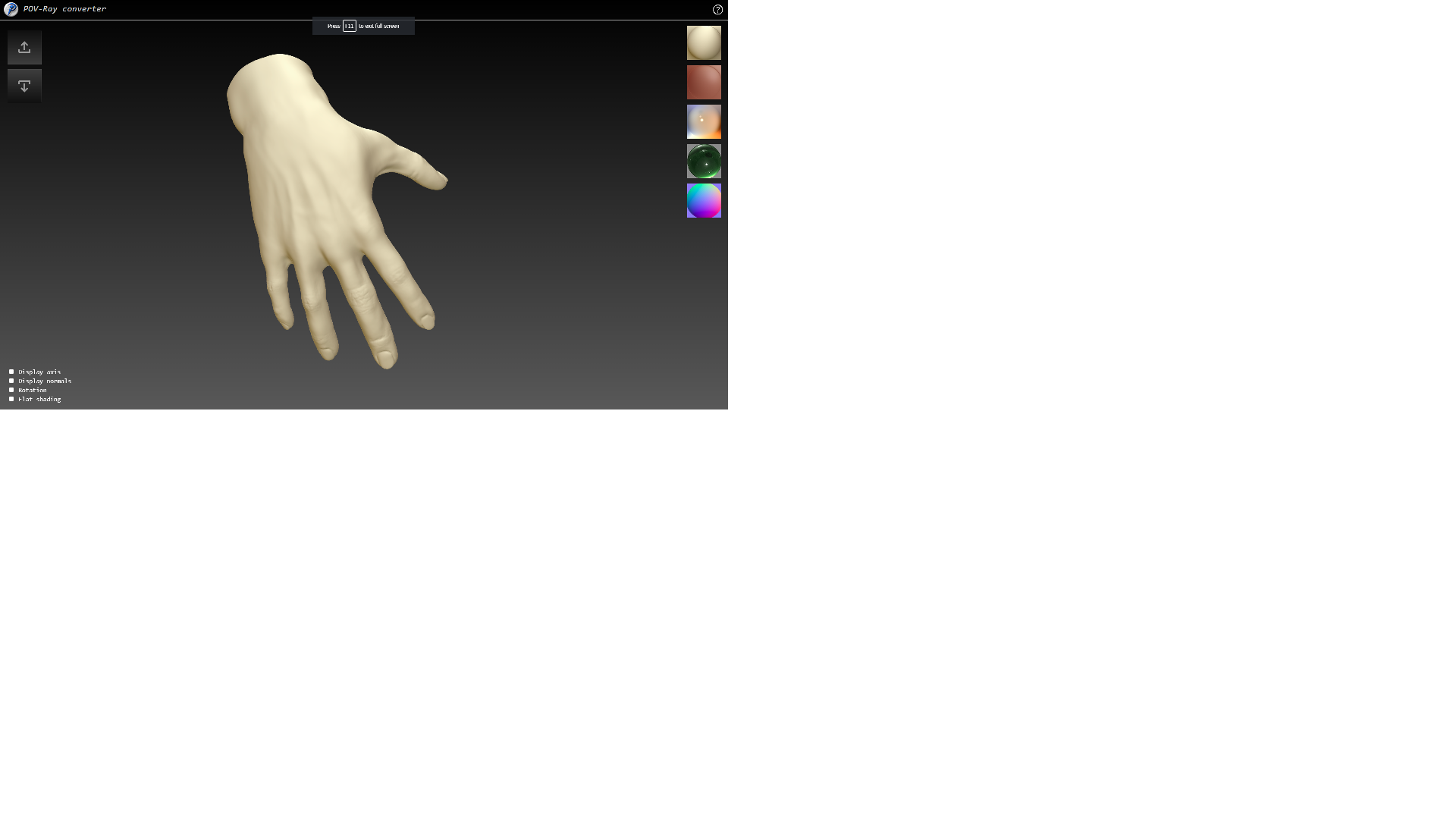
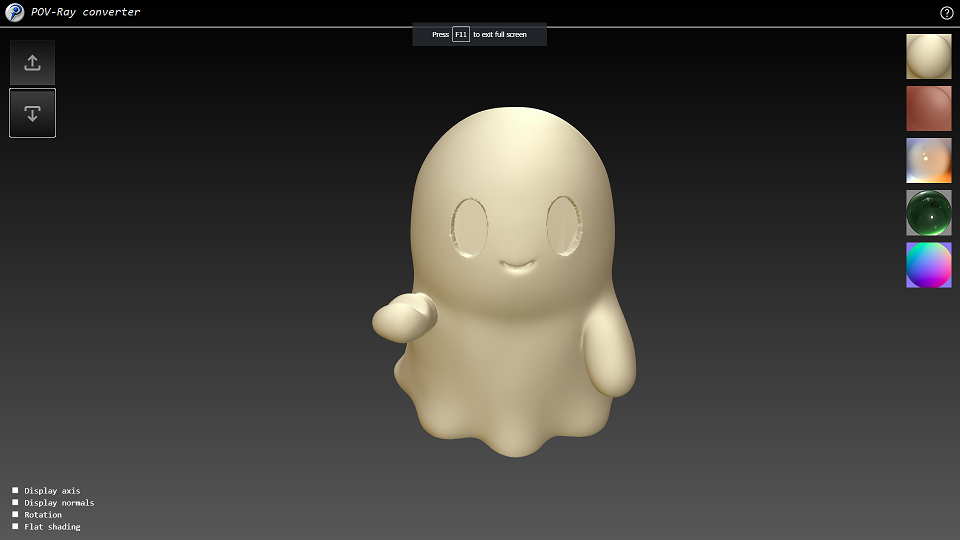
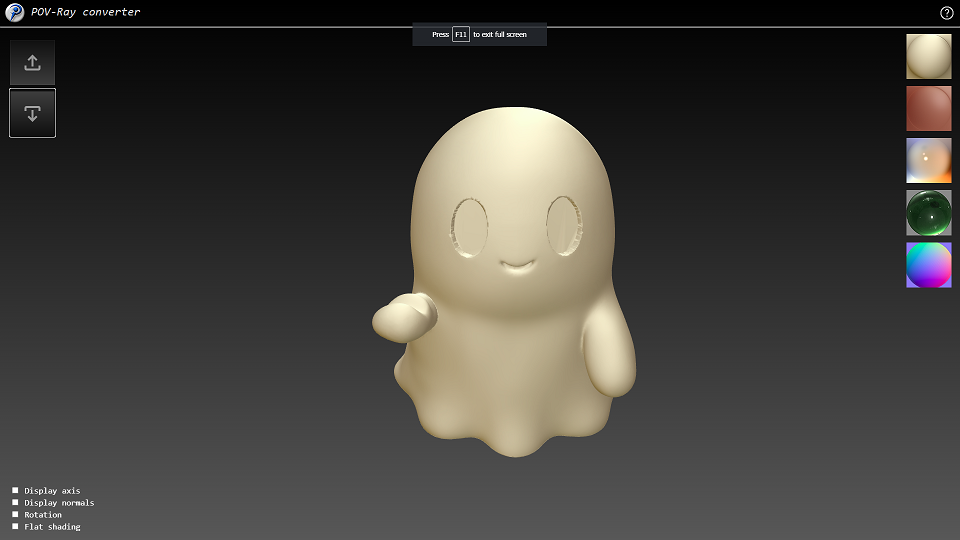
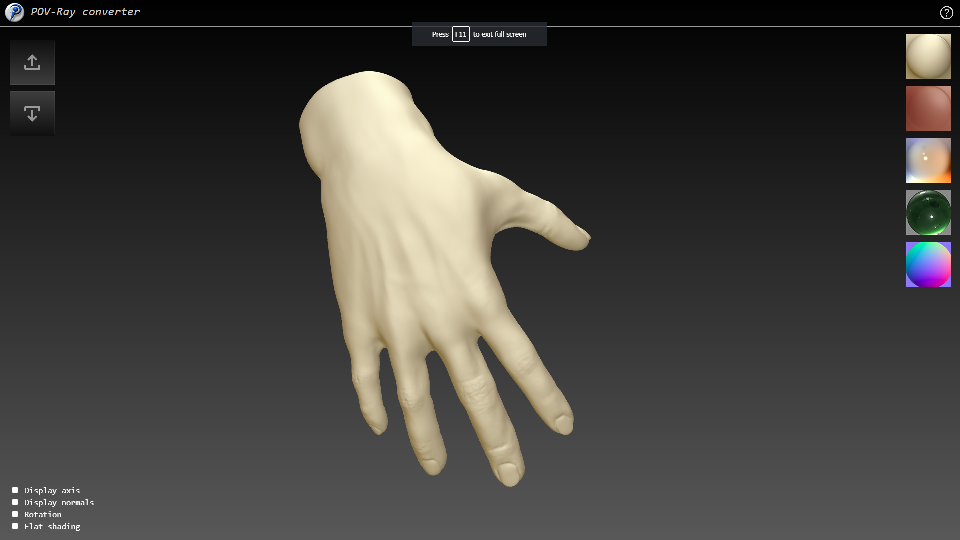
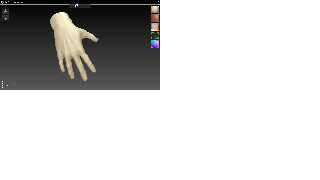
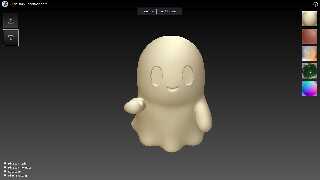
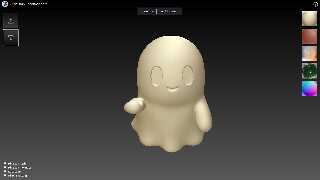
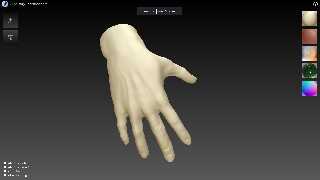
The same things with "hand" and "ghost" (see attachments).
I will think about automated objects positioning ...
--
YB
Post a reply to this message
Attachments:
Download 'hand.png' (152 KB)
Download 'ghost.png' (130 KB)
Download 'ghost.zip' (5344 KB)
Preview of image 'hand.png'
Preview of image 'ghost.png'
|
|
| |
| |
|
|
|
|
| |
| |
|
|
On 28/09/2025 06:53, yesbird wrote:
> Rook was uploaded and conversion also successful (attached), but you
> do not see it because pivot point is shifted and object is too far from
> origin. Just play with zoom/pan/rotation or fix it's position.
>
The same things with 'ghost' and 'hand' (attached).
I will think about automated objects positioning ...
--
YB
Post a reply to this message
Attachments:
Download 'ghost.png' (130 KB)
Download 'hand.png' (153 KB)
Preview of image 'ghost.png'
Preview of image 'hand.png'
|
|
| |
| |
|
|
|
|
| |
| |
|
|
yesbird wrote:
> Bill, could you please look at the browser's console
> (usually F12) and send me content ?
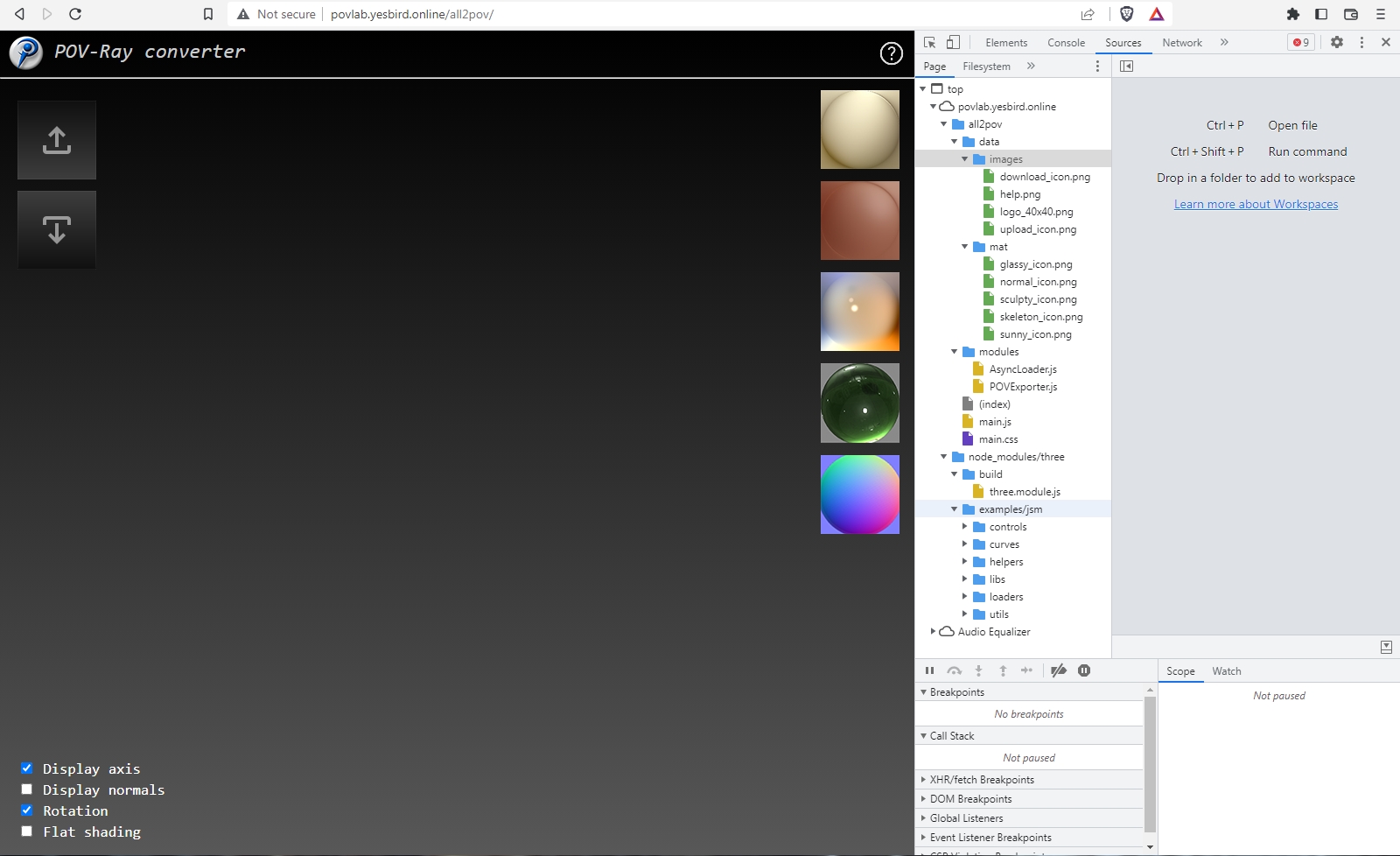
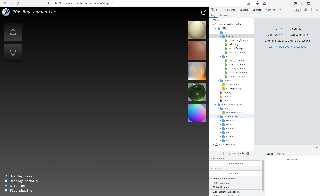
Tried again just now - I see no grid or rotation, or controls for zooming or
panning.
When I was very new povver, I would draw arrows from the origin to objects or
light sources to help me find where things were when they were out of view.
You could also possibly have a labeled grid, and display the center of the
object in text. Maybe have a checkbox "Center at origin".
OK, maybe since a lot of objects are things that sit on a surface, have a second
checkbox that centers the object, and has its ymin set at 0.
- BW
Post a reply to this message
Attachments:
Download 'meshconverter1.jpg' (353 KB)
Preview of image 'meshconverter1.jpg'
|
|
| |
| |
|
|
|
|
| |
| |
|
|
On 28/09/2025 15:42, Bald Eagle wrote:
> yesbird wrote:
>> Bill, could you please look at the browser's console
>> (usually F12) and send me content ?
>
> Tried again just now - I see no grid or rotation, or controls for zooming or
> panning.
>
> When I was very new povver, I would draw arrows from the origin to objects or
> light sources to help me find where things were when they were out of view.
>
> You could also possibly have a labeled grid, and display the center of the
> object in text. Maybe have a checkbox "Center at origin".
>
> OK, maybe since a lot of objects are things that sit on a surface, have a second
> checkbox that centers the object, and has its ymin set at 0.
>
> - BW
>
>
>
>
Bill, first of all please check if your browser supports WebGL:
https://webglreport.com/
Then select _console_ tab after pressing F12 and look for
errors there.
Axis will act as reference. I will think about centering after
collecting more information and samples.
Pan/Zoom/Scale can be controlled only by the mouse -
this is standard now and I don't want to implement complicated
environment.
Many thanks for testing, wishing well :).
--
YB
Post a reply to this message
|
|
| |
| |
|
|
|
|
| |
| |
|
|
On 28/09/2025 15:42, Bald Eagle wrote:
> You could also possibly have a labeled grid, and display the center of the
> object in text. Maybe have a checkbox "Center at origin".
>
> OK, maybe since a lot of objects are things that sit on a surface, have a second
> checkbox that centers the object, and has its ymin set at 0.
>
This is the point for discussion: should converter change
object's coordinates or just repack then into other format ?
I guess, this is the editor's function.
Maybe, it will be better just position the camera to look at object
and set acceptable zoom ?
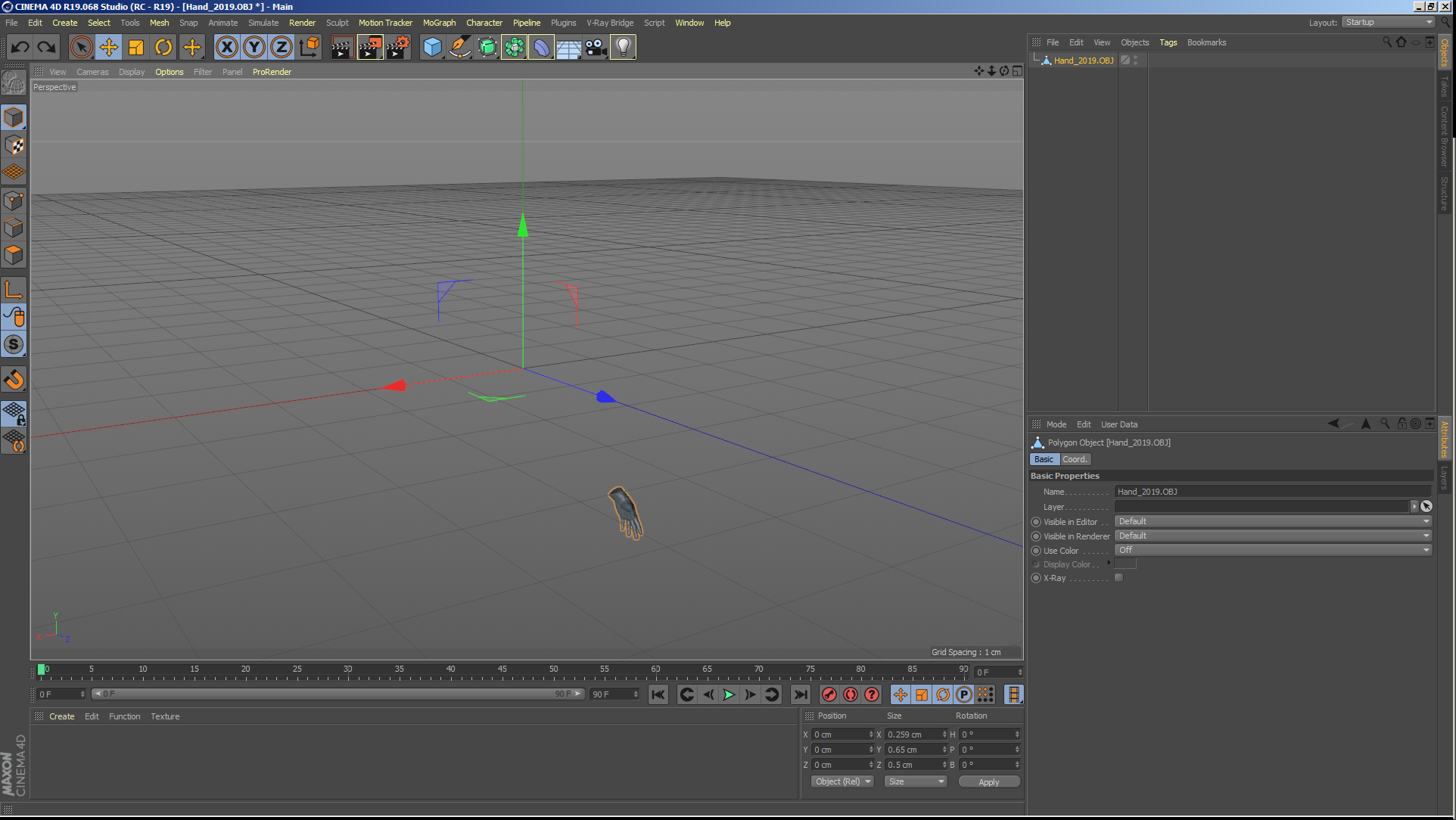
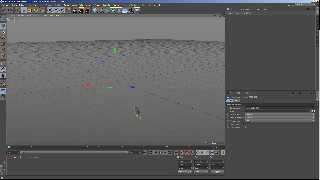
In attachment: 'hand', loaded into C4D.
--
YB
Post a reply to this message
Attachments:
Download 'hand_c4d.png' (404 KB)
Preview of image 'hand_c4d.png'
|
|
| |
| |
|
|
|
|
| |
| |
|
|
hi,
yesbird wrote:
> ...
> Pan/Zoom/Scale can be controlled only by the mouse -
> this is standard now ...
great !!! that'll allow me to put the coffee cup and ashtray on the now unused
keyboard </grin>.
regards, jr.
Post a reply to this message
|
|
| |
| |
|
|
|
|
| |
| |
|
|
On 28/09/2025 18:13, jr wrote:
> great !!! that'll allow me to put the coffee cup and ashtray on the now unused
> keyboard </grin>.
I mean lack of GUI.
--
YB
Post a reply to this message
|
|
| |
| |
|
|
|
|
| |
| |
|
|
On 28/09/2025 15:42, Bald Eagle wrote:
>
> You could also possibly have a labeled grid, and display the center of the
> object in text. Maybe have a checkbox "Center at origin".
>
> OK, maybe since a lot of objects are things that sit on a surface, have a second
> checkbox that centers the object, and has its ymin set at 0.
>
I have improved the default view on loading, now model sits at the
center and fits the screen perfectly.
--
YB
Post a reply to this message
|
|
| |
| |
|
|
|
|
| |
| |
|
|
yesbird wrote:
> Bill, first of all please check if your browser supports WebGL:
> https://webglreport.com/
Brave supports WebGl1
Sometimes this is the result of older video drivers being rejected by the
browser. Try updating your video drivers if possible.
Also check out Get WebGL, or try installing the latest version of Chrome, or
Firefox.
> Then select _console_ tab after pressing F12 and look for
> errors there.
three.module.js:29414 THREE.WebGLRenderer: A WebGL context could not be created.
Reason: Could not create a WebGL context, VENDOR = 0x8086, DEVICE = 0x0412,
GL_VENDOR = Google Inc. (Intel), GL_RENDERER = ANGLE (Intel, Intel(R) HD
Graphics 4600 Direct3D9Ex vs_3_0 ps_3_0, igdumdim64.dll -10.18.14.5180),
GL_VERSION = 10.18.14.5180, Sandboxed = yes, Optimus = no, AMD switchable = no,
Reset notification strategy = 0x8252, ErrorMessage = BindToCurrentSequence
failed: .
onContextCreationError @ three.module.js:29414
three.module.js:29414 THREE.WebGLRenderer: A WebGL context could not be created.
Reason: Failed to create a WebGL2 context.
onContextCreationError @ three.module.js:29414
three.module.js:29414 THREE.WebGLRenderer: A WebGL context could not be created.
Reason: Could not create a WebGL context, VENDOR = 0x8086, DEVICE = 0x0412,
GL_VENDOR = Google Inc. (Intel), GL_RENDERER = ANGLE (Intel, Intel(R) HD
Graphics 4600 Direct3D9Ex vs_3_0 ps_3_0, igdumdim64.dll -10.18.14.5180),
GL_VERSION = 10.18.14.5180, Sandboxed = yes, Optimus = no, AMD switchable = no,
Reset notification strategy = 0x8252, ErrorMessage = BindToCurrentSequence
failed: .
onContextCreationError @ three.module.js:29414
three.module.js:29414 THREE.WebGLRenderer: A WebGL context could not be created.
Reason: Failed to create a WebGL2 context.
onContextCreationError @ three.module.js:29414
three.module.js:28990 THREE.WebGLRenderer: Error creating WebGL context.
WebGLRenderer @ three.module.js:28990
three.module.js:28980 Uncaught Error: Error creating WebGL context.
at new WebGLRenderer (three.module.js:28980:13)
at init (main.js:50:14)
at main.js:316:7
main.js:267 Uncaught TypeError: Cannot read properties of undefined (reading
'setSize')
at onWindowResize (main.js:267:12)
> Many thanks for testing, wishing well :).
Many thanks for writing, and wishing you and everyone else the best in these
crazy times.
- BW
Post a reply to this message
|
|
| |
| |
|
|
|
|
| |